If you create content in one of the top faceless YouTube niches, such as explainer videos, news commentary, or educational content, you already know how much time it takes to produce videos that sound polished and professional. Dubbing AI tools have changed that process, making it possible to add voice-overs, translate audio, and sync speech to video in a fraction of the time it used to take. This article walks you through 7 dubbing AI tools that can help you produce professional videos in 30 minutes or less.
Getting there faster is exactly what Crayo's clip creator tool is built for. Instead of juggling separate apps for voice synthesis, audio translation, and video sync, Crayo brings these capabilities together so you can go from script to finished video without losing momentum. If your goal is to cut production time while maintaining high quality, it gives you a direct path to achieving that.
Table of Contents
- Why Most Creators Look for Dubbing AI Alternatives
- The Hidden Cost of Relying on the Wrong AI Dubbing Software
- 7 Dubbing AI Alternatives to Create Professional Videos in 30 Minutes
- The 30-Minute Workflow Creators Use to Produce Dubbed Videos Faster
- Create Professional AI Videos Faster With Crayo
Summary
- AI dubbing tools have become widely available, but language coverage is rarely the actual bottleneck for multilingual creators. According to the Perso AI Blog's ROI breakdown, platforms now support 99 or more languages, so translation capability is no longer the limiting factor. The real constraint is whether those languages integrate with a workflow that can consistently ship content.
- The failure point in most creator workflows is how tools are evaluated. Creators tend to compare the depth of voice cloning, the number of supported languages, and lip-sync accuracy, but rarely ask how long it takes to move a finished translation from one step to the next. A platform with 40 languages and clunky translation editing is slower in practice than one with 12 languages and a clean, linear workflow.
- Standardization in dubbing workflows separates creators who scale multilingual content from those who stall. Without consistent translation settings, voice-style choices, and audio-synchronization steps, every project starts from scratch. The only thing that improves without standardization is familiarity with the frustration of having to repeat the same setup work.
- The 30-minute dubbing workflow that consistently produces finished assets follows a strict sequencing logic: define the localization plan before uploading, localize the script rather than just translate it, lock voice settings for consistency, synchronize audio in a single, focused pass, then review and export as a separate, discrete step. According to the LipDub AI Blog's analysis of video production workflows, an optimized dubbing process takes approximately 30 minutes from start to export, but only when review is treated as its own stage rather than folded into generation and editing.
- The single highest-leverage action in the entire production sequence is reviewing the localized script before generating the AI voice. Skipping this step means every downstream task, including audio sync, subtitle timing, and export, inherits any localization errors. Fixing a voice generation mistake after the fact requires regenerating audio, re-syncing the timeline, and rechecking subtitles, which is effectively a restart rather than a correction.
- AI voice tool adoption is rising across 60% or more of content creators heading into 2026, according to Gravy for the Brain's 2025 industry research, which means competitive pressure to localize content is accelerating. Creators still assembling disconnected tool stacks for translation, voice generation, subtitle syncing, and editing will feel that pressure in their publishing cadence before they feel it anywhere else.
Crayo's clip creator tool addresses this by consolidating AI voiceover generation, subtitle creation, and video editing into a single workflow, so creators can run the same 30-minute production sequence across multiple languages without switching platforms or rebuilding it from scratch each time.
Why Most Creators Look for Dubbing AI Alternatives
Most creators don't start looking for AI dubbing alternatives because their current tool is broken. They start looking because their ambitions outgrow it. The tool that worked for three videos a week starts cracking under the pressure of three languages, five formats, and a publishing schedule that doesn't forgive slow exports.
Workflow Beats Voice Quality
The failure point is almost never voice quality. Creators discover this after switching platforms two or three times, each time chasing a feature list that looked different but produced the same bottleneck. What actually stalls multilingual content production is the gap between isolated dubbing capability and a connected workflow:
- One where audio synchronization
- Script translation
- Voiceover generation
- Video editing doesn't require four separate logins and a manual handoff between each.
Choose Workflow, Not Languages
A common pattern surfaces among creators producing faceless content at volume. They evaluate AI dubbing software based on how natural the synthesized voice sounds, then discover three weeks later that the real drag is rebuilding their project every time they switch between translation and editing. The tool selection process becomes the production problem.
According to the Perso AI Blog's ROI breakdown for creators, platforms now support 99+ languages for AI video dubbing, which means language coverage is rarely the limiting factor. The limiting factor is whether those languages connect to a workflow that can consistently ship content.
The Cost of Tool Switching
Most creators handle this by assembling a stack:
- One tool for multilingual voice generation
- Another for subtitle syncing
- Another for editing the final clip
It feels logical at first, like building exactly what you need. But as publishing frequency increases, each handoff point between tools becomes a place where time disappears, and consistency erodes. Crayo's clip creator tool addresses this directly by consolidating voiceover generation, subtitle creation, and video editing into a single environment, so creators don't have to rebuild context each time they move between steps.
Scale Through Simplicity
The truth is, the creators who scale multilingual content aren't necessarily using better AI dubbing technology. They're using fewer tools to do more. Gravy for the Brain's 2025 industry research reports that AI voice tool adoption is rising among 60% or more of content creators heading into 2026, accelerating competitive pressure to localize content. Creators who are still stitching together disconnected localization tools will feel that pressure in their publishing cadence before they feel it anywhere else. What nobody says out loud is that switching platforms is exhausting in a way that goes beyond the technical friction.
Related Reading
- Top Faceless YouTube Niches
- Faceless Digital Marketing
- Top Faceless YouTube Niches
- What is Voice Dubbing
- How to Do Affiliate Marketing Without Showing Your Face
- Does YouTube Monetize Ai Videos
- Turn Blog Post Into Video
- How To Create a Faceless YouTube Channel
- How To Make Faceless Content Using Ai
The Hidden Cost of Relying on the Wrong AI Dubbing Software
Switching platforms doesn't fix a broken process. It just relocates it. The real cost of choosing the wrong AI dubbing software isn't the subscription fee or the onboarding time. It's the compounding slowdown that quietly erodes your publishing rhythm week after week.
Why Feature Comparisons Mislead Creators
The failure point is usually the evaluation process itself. Most creators assess AI dubbing tools the way they'd shop for headphones: more specs equal a better product. So they compare:
- The depth of voice cloning
- The number of supported languages
- Lip-sync accuracy
- Audio quality
What they rarely ask is how long it takes to move a finished translation from one step to the next, or how many manual corrections the synchronization process requires before the dubbed video is actually publishable. A platform with 40 languages and clunky translation editing is slower in practice than one with 12 languages and a clean, linear workflow.
Why Tool Fatigue Slows Growth
According to Amanda Darby-Brand, MBA, on LinkedIn, hundreds of platforms have been trialed to determine what is working and what is not in AI, which tells you something important:
- The market is flooded.
- Evaluation is expensive.
- Most creators are absorbing that cost in time they'll never get back.
Every trial run is a week of slower output. Every new tool learned creates a compounding production gap.
The Workflow Tax Nobody Budgets For
Most creators handle multi-language video production by assembling a stack:
- One tool for AI voice generation
- Another for subtitle syncing
- A third for translation editing
- A video editor that doesn't talk to any of them
It feels manageable at first. Then a translation comes back with mistimed audio, and fixing it means jumping between three platforms to realign the dubbed voiceover with the original footage. That's not a feature problem. That's a structural one.
Frictionless AI Publishing
Crayo addresses this directly by consolidating AI voiceovers, subtitles, and video editing into a single workflow, so creators spend less time context-switching and more time publishing. AI and Data Insights on LinkedIn Pulse notes that companies are investing billions in models, infrastructure, and automation, yet the bottleneck for most individual creators isn't access to powerful AI. It's the friction between tools that don't share data, don't sync outputs, and don't reduce the manual work sitting between a finished translation and a published video.
What Standardization Actually Protects
The critical difference between creators who scale multilingual content and those who stall isn't the quality of their AI voice model. It's whether they've built a repeatable dubbing process that they don't have to rebuild every time they start a new video. Standardization in translation settings, voice-style choices, and audio-synchronization steps means each new video takes less time than the last. Without it, every project starts from scratch, and the only thing that improves is your familiarity with frustration. But knowing where the cost hides is only half the problem.
7 Dubbing AI Alternatives to Create Professional Videos in 30 Minutes
The best dubbing AI alternatives don't just swap one translation engine for another. They change the shape of your production week, compressing what used to take hours of manual audio editing, platform switching, and re-syncing into something a single creator can actually manage at scale. The critical difference is workflow fit, not feature count. A tool with 200 voice options that breaks your publishing rhythm is worse than a simpler one that integrates cleanly into how you already work.
Why the Right Alternative Changes More Than Output Quality
The same friction pattern shows up repeatedly across creators producing multilingual content: a finished video in one language sits idle while they wrestle with a separate dubbing platform, wait for audio renders, manually re-sync timing, and then rebuild captions from scratch. The production bottleneck isn't skill. It's structural. Each extra handoff between tools adds compounding delay that quietly erodes the number of videos actually published.
According to Synthesia AI Dubbing, the platform supports over 140 languages and accents, underscoring how broad the localization opportunity truly is. The creators capturing that opportunity aren't necessarily the most technically skilled. They're the ones who've built a workflow where dubbing is a step, not a separate project.
1. Crayo
Crayo approaches the problem from a different angle than most dubbing-first platforms. Rather than asking you to localize after production, it builds multilingual generation into the content creation stage itself, combining AI voiceovers, captions, and video output into a single workflow. For faceless short-form creators, that means the gap between a finished video and a localized version shrinks considerably, because the foundation was already built with scale in mind.
Most creators handle localization as a post-production task, bolting translation onto a video that was never designed for it. That approach works for one video. At twenty videos a week across three languages, it becomes unsustainable fast. Crayo reduces that structural friction by keeping voiceover generation, subtitle creation, and video output inside a single workflow rather than scattered across subscriptions.
2. ElevenLabs
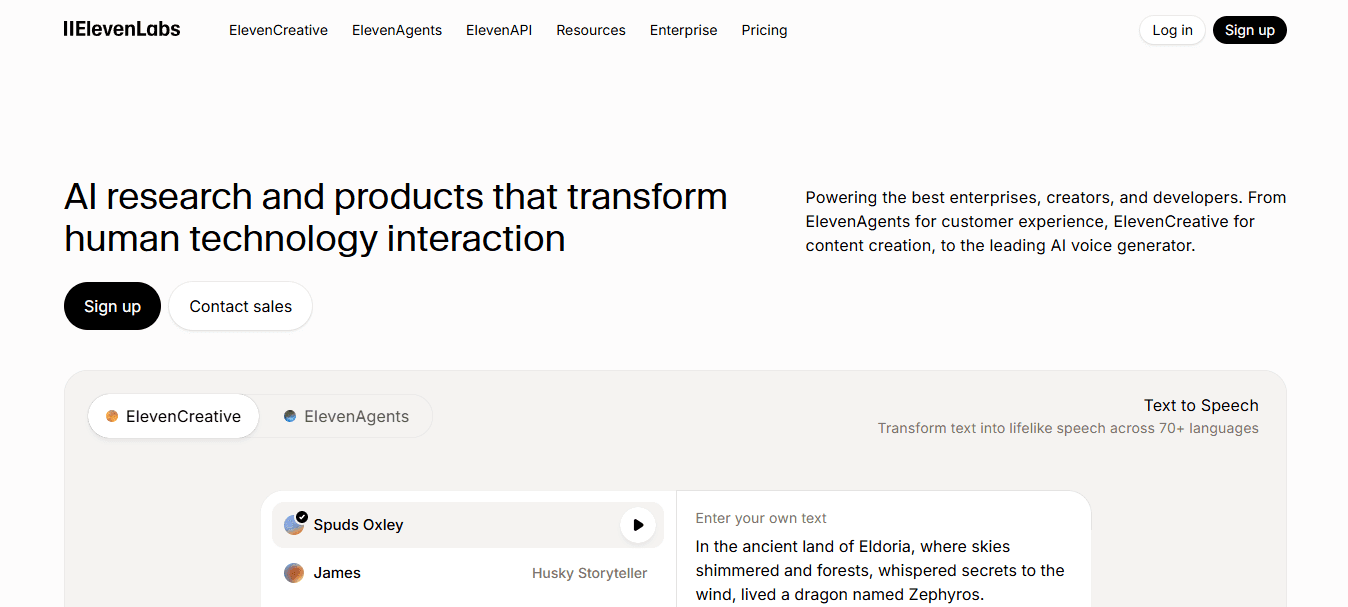
ElevenLabs is the tool to reach for when voice quality is non-negotiable. Its multilingual dubbing preserves natural speech cadence across languages, which matters most in storytelling and educational content, where robotic delivery immediately breaks viewer trust. The voice cloning capability also means a consistent tone across every localized version, not just the original.
3. HeyGen
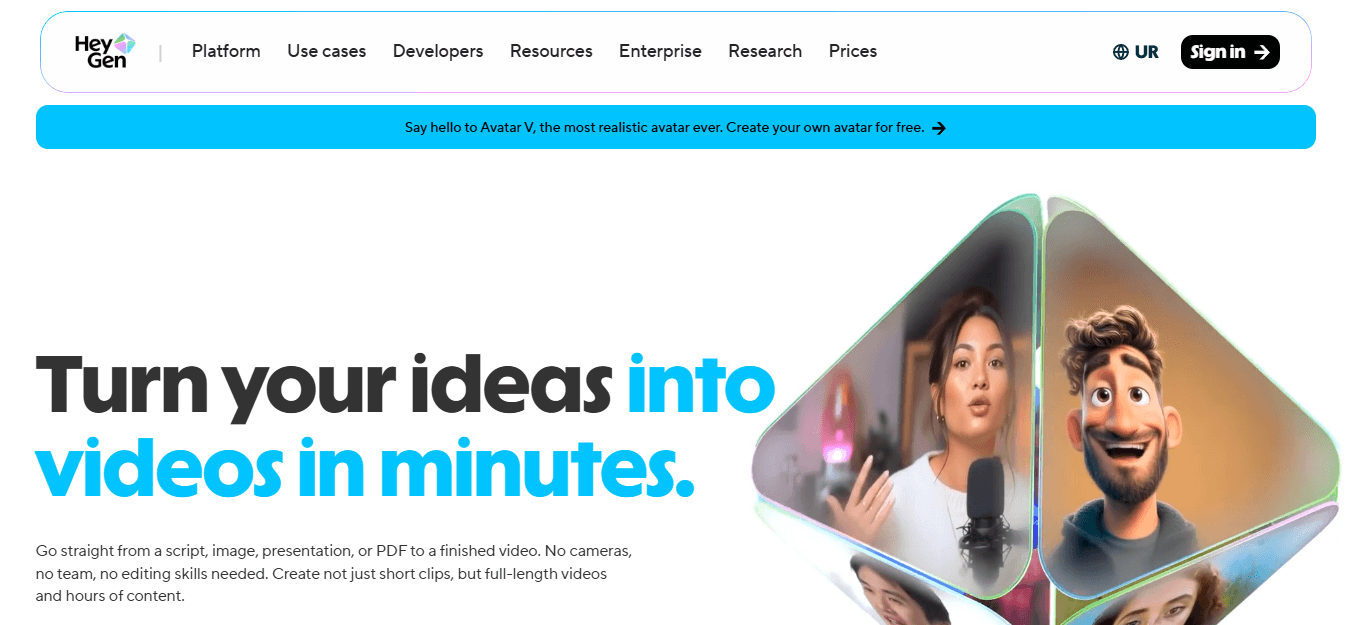
HeyGen adds a layer that most dubbing tools skip: lip-sync accuracy. In marketing videos and business presentations where a visible speaker is on screen, mismatched mouth movements signal inauthenticity faster than any translation error. HeyGen's AI translation, combined with lip-sync technology, solves that specific problem without requiring a reshooting session.
4. Rask AI
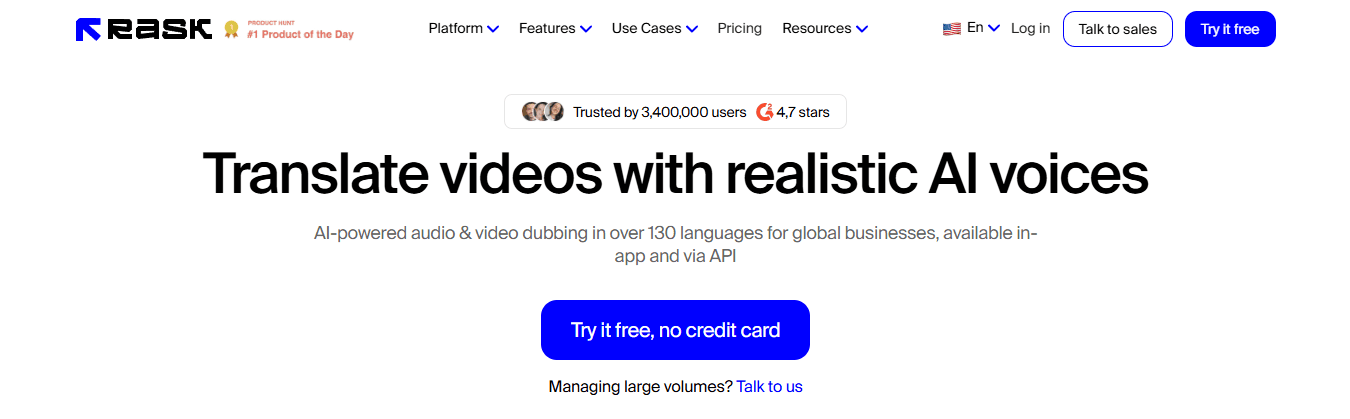
Rask AI is built for volume. Creators running YouTube localization across multiple channels, or course creators publishing tutorials in several languages simultaneously, benefit most from its automated translation and dubbing pipeline. The reduction in manual production steps is where the time savings actually live, not in the voice generation itself.
5. Dubverse
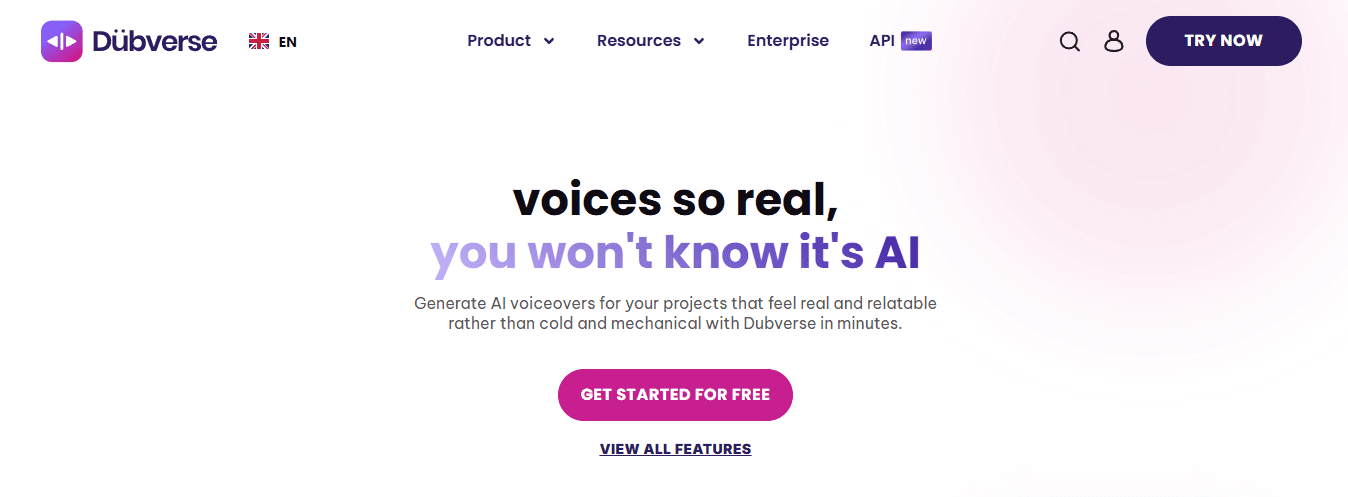
Dubverse targets the social media and product video space where turnaround speed matters more than cinematic voice quality. Its combination of AI translation and voice generation is designed for creators who need localized versions ready before a trend window closes, not three days after it.
6. Synthesia
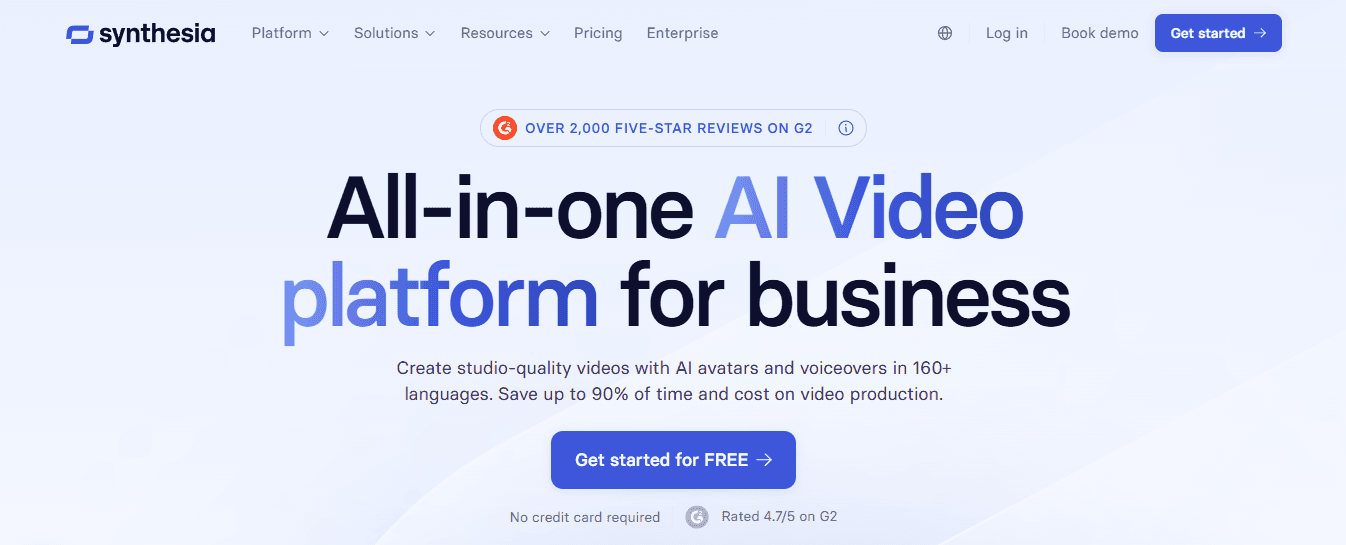
Synthesia solves a specific problem that other tools don't address: producing localized video without re-filming. For corporate training teams and internal communications, over 50,000 customers use the platform to generate multilingual AI avatar videos at scale. That number reflects the demand for localization that doesn't require a camera crew every time content needs updating.
7. Wavel AI
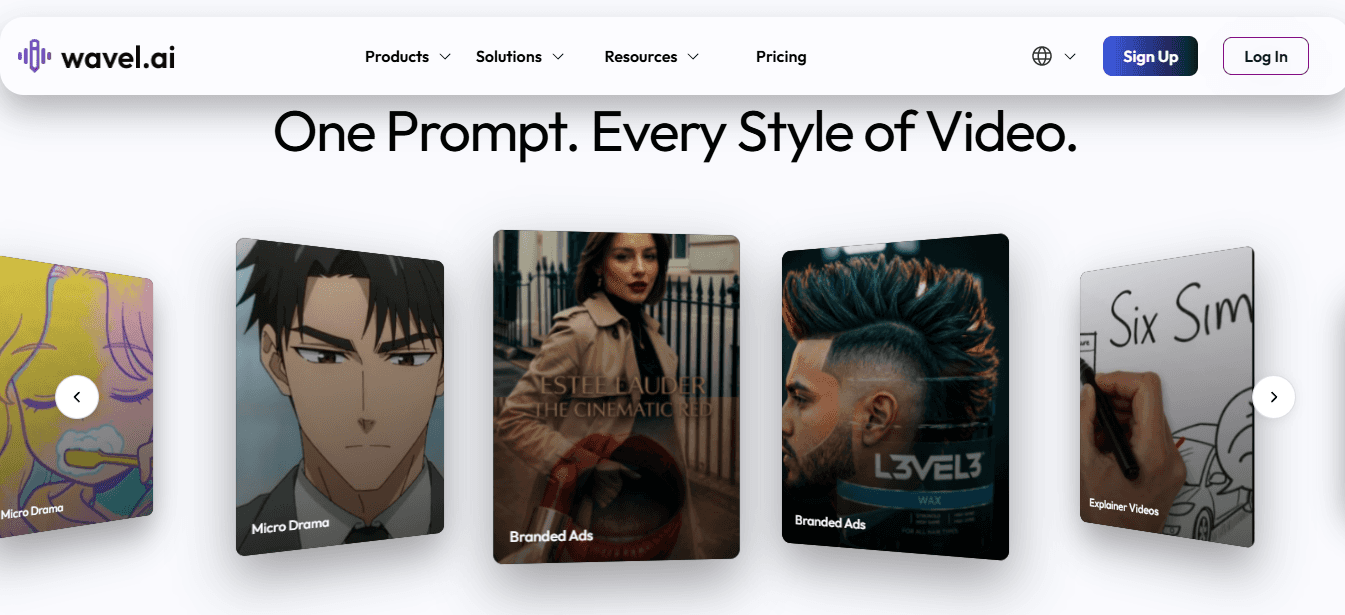
Wavel AI covers the full localization stack in one place: AI dubbing, subtitle generation, and voiceover tools that work together rather than requiring separate exports and imports. For multilingual marketing teams managing consistent brand voice across languages, that integration reduces the kind of small, repetitive friction that compounds into serious production delays over time.
What Actually Changes When You Choose Correctly
Before the right alternative: manual audio editing after every translation, caption rebuilds from scratch, delayed publishing schedules, and a growing sense that multilingual content is more trouble than it's worth.
After: a localization step that fits inside your existing workflow without requiring a separate production day. The goal was never to find the most impressive tool. It was to find the one that makes your next twenty localized videos take less time than your first ten. But knowing which tool fits your workflow is only part of the equation. The harder question is how to actually run the production process once you've chosen.
Related Reading
- How To Make Money On Instagram Without Showing Your Face
- How To Add AI Voice To Tiktok
- How To Make Money On Tiktok Without Showing Your Face
- How To Make Character AI Voice
- Faceless Content Ideas
- Faceless YouTube Channel Content Ideas
The 30-Minute Workflow Creators Use to Produce Dubbed Videos Faster
Choosing the right tool clears one obstacle. Running the actual production process without losing momentum is where most creators quietly fall apart. The failure point is usually sequencing. When translation, voice generation, audio sync, and review all compete for attention at once, nothing gets finished cleanly. The 30-minute workflow below fixes that by separating each stage into a focused window with a single purpose.
Minute 0-5: Define Before You Upload
Start with a localization plan, not a platform. Before opening any dubbing tool, write down four things:
- The original language
- The target language
- The audience
- The video's goal
This sounds obvious. It rarely happens. Most creators skip straight to uploading, then spend the back half of production correcting decisions that should have been made in the first five minutes. A French-speaking audience of small business owners needs different phrasing than a general consumer audience, even if the topic is identical. That distinction belongs at the start, not the edit.
Minutes 5-10: Localize, Not Just Translate
The critical difference between a dubbed video that converts and one that feels foreign is localization. AI translation tools can produce grammatically correct output that still sounds unnatural to a native speaker because direct translation preserves sentence structure instead of meaning. Use AI to generate the translated dialogue, then read it aloud before generating the voice. If a phrase sounds like it was written for a grammar exam, rewrite it. A localized script conveys the same message while matching the rhythm of how people actually speak in that language.
Minutes 10-15: Generate a Voice That Stays Consistent
Once the localized script is approved, generate the AI voiceover.
- Choose the voice style
- Pacing
- Emotional delivery at this stage
- Then lock those settings for all future videos in that language
Consistency matters more than perfection here. A voice that sounds slightly different across episodes trains your audience to notice the production instead of the content. Picking a voice profile once and sticking to it removes that friction entirely.
Minutes 15-20: Synchronize Audio With Precision
Alignment is where dubbed videos either feel professional or fall apart. The narration needs to match the video's visual rhythm, not just the script's word count.
Review speaker timing
- On-screen text
- Subtitle placement
- Scene transitions as a single pass
Catching one misaligned phrase at this stage takes seconds. Catching it after export means rebuilding the sequence from scratch.
Minutes 20-30: Review, Export, Publish
The final ten minutes are a quality gate, not a creative stage.
- Check translation accuracy
- Pronunciation
- Synchronization
- Subtitle timing in sequence, not simultaneously
According to the LipDub AI Blog's analysis of video production workflows, an optimized dubbing process takes approximately 30 minutes from start to export. That number only holds when review is treated as its own discrete step, separate from generation and editing.
Why Separation Is the Actual Productivity Gain
The most common approach is to handle all five stages in parallel, adjusting translation while the voice renders, editing while reviewing subtitles. That approach feels efficient and consistently produces mediocre results. When you separate each stage, you make one type of decision at a time. Translation decisions stay in the translation window. Voice decisions stay in the generation window. That separation reduces error rate and cuts total production time because you stop revisiting finished work.
One Workflow, Every Language
Most creators handle multilingual production by running a separate workflow for each language, which means duplicating setup time, exporting multiple versions, and managing different platform logins for each step. As the language count grows, that stack compounds into a real-time cost. Crayo addresses this directly. Because AI voiceovers, subtitle generation, and video editing are integrated into a single interface, creators can run this 30-minute workflow across multiple languages without switching tools or rebuilding the sequence from scratch each time. The workflow stays the same; only the language output changes.
The One Mistake That Breaks the Whole Sequence
Skipping the script review between translation and voice generation is where the workflow breaks most often. Once the AI voice is generated from a poorly localized script, every downstream step, including sync, subtitle timing, and export, inherits that error. Fixing a localization issue after the voice has been generated means regenerating the audio, re-syncing the timeline, and rechecking the subtitles. That's not a small edit. It's a restart. Spending two minutes reviewing the translated script before generating the voice is the single highest-leverage action in the entire workflow.
What This Workflow Actually Produces
After 30 minutes, you have a dubbed video with a localized script, a consistent AI voice, synchronized audio, accurate subtitles, and a final export ready for publication. That's not a rough cut. That's a finished asset. The workflow scales because the structure doesn't change between languages. Once you've run it in French, running it in Spanish or Portuguese uses the same five stages in the same sequence. The process becomes repeatable, and repeatable processes compound. But the real question isn't whether this workflow is fast enough. It's whether the tools you're using let you run it without friction at every single stage.
Create Professional AI Videos Faster With Crayo
The friction was never in finding the right dubbing platform. It was in arriving at the dubbing stage with a half-finished source video, a script that needed rebuilding, and no clear production structure underneath it. That's where time disappears, not in the tool selection.
Crayo handles the front end of that problem directly. Instead of spending hours preparing a script, generating voiceover, and assembling a base video before localization even begins, creators use Crayo to produce a finished, structured video asset in minutes, then move straight into dubbing and distribution. The gap between content ideas and multilingual output shrinks as preparatory work is no longer a bottleneck.
The creators who are consistently reaching new language audiences are not using more tools. They are using fewer, better-connected ones and starting each production cycle with a source video that is already ready to localize. That structural advantage compounds with every publication.
Related Reading
- Faceless Instagram Content Ideas
- Best AI Generated Voice
- How to Voice Over a Video
- Best AI Tools for Social Media Content Creation
- AI Tools for Instagram Content Creation
- Best AI Dubbing Software
- Dubbing AI
- Voice Over App