Creating professional voiceovers used to mean booking expensive studio time or settling for robotic text-to-speech that made your audience cringe. But the rise of AI voice technology has changed everything, and WellSaid Labs has been a frontrunner in delivering natural-sounding synthetic voices. Still, it's not the only option worth considering, especially when you're searching for the best AI voice generator app that fits your specific needs and budget.
Whether you need to generate voiceovers for video content, podcasts, e-learning modules, or social media clips, finding the right tool can transform your workflow. If you're already creating short-form videos, tools like Crayo's clip creator tool can help you pair these AI-generated voices with engaging visual content in minutes, letting you produce polished videos without the usual production headaches. This article walks you through seven powerful WellSaid Labs alternatives that deliver studio-quality voiceovers in under ten minutes, so you can choose the platform that matches your project requirements and creative vision.
Summary
- WellSaid Labs delivers clean, polished narration optimized for corporate training and product demos, but that professional polish becomes a limitation when creators need high-energy TikTok commentary, emotional storytelling, or casual YouTube vlogs. The mismatch between delivery style and content type forces creators to repeatedly rewrite scripts and run regeneration loops.
- Research on task switching shows that repeated micro-corrections increase completion time because each iteration adds friction and cognitive load. For creators producing 28 videos weekly across multiple platforms, a five-minute delay per voiceover adds up to hours of lost production time.
- Most creators write scripts like blog paragraphs because that's how they learned to write, but spoken narration requires conversational phrasing with shorter sentences and natural pauses. When blog-style scripts get pasted into AI voice generators, they sound rushed or robotic on first playback.
- The highest cost of voiceover delays isn't the audio file itself, but what those delays disrupt downstream. One slow voiceover pushes editing, captions, publishing, and content batching schedules. For creators trying to publish daily or multiple times per week, voiceover friction becomes the bottleneck that makes consistency harder than it should be, especially when working to beat-perfect standards in high-output content strategies.
- Voiceover quality determines whether someone watches your video to the end or swipes away in three seconds. Clean audio doesn't automatically make it video-ready because the voiceover still needs to align with visuals, subtitles, screen recordings, and transitions. The gap between "clean audio file" and "video-ready voiceover" represents hours of manual syncing work that compounds across batched content production.
Crayo's clip creator tool addresses this by handling voiceovers, subtitles, and editing in a single workflow, rather than forcing creators to juggle separate tools and manually sync timing across different platforms.
Table of Contents
- Why Creators Struggle With WellSaid Labs for Voiceovers
- The Hidden Cost of Relying Only on WellSaid Labs
- 7 WellSaid Labs Alternatives for Pro Voiceovers in 10 Minutes
- The 10-Minute Workflow to Create a Pro Voiceover
- Create Your Pro Voiceover in 10 Minutes With Crayo
Why Creators Struggle With WellSaid Labs for Voiceovers

Voiceover quality determines whether someone watches your video to the end or swipes away in three seconds. For YouTube creators, TikTok producers, course builders, and marketers, the voice isn't decoration. It's the difference between content that feels professional and content that feels like background noise. WellSaid Labs delivers clean, polished narration that works beautifully for corporate training and product demos. But when you're creating content frequently, across different styles, the friction shows up fast.
Corporate Polish Doesn't Fit Every Content Style
WellSaid Labs excels at one thing: clean corporate narration. Training modules, eLearning content, product walkthroughs. The voices sound professional because they're designed for environments where "professional" means measured, neutral, controlled. That works until you need something different. High-energy TikTok commentary, emotional storytelling, casual YouTube vlogs, comedic timing. When the delivery style doesn't match the content tone, you're stuck testing voices, rewriting lines, and adjusting pacing. You're trying to make a formal suit fit a skateboard video. The tool isn't broken. It's just optimized for a different audience.
Scripts Written for Reading Sound Flat When Spoken
Most creators write scripts the way they write captions or blog paragraphs. Formal explanations, long sentences, structured like reading material. Spoken narration needs shorter lines, natural pauses, and conversational phrasing. When you paste a blog-style script into an AI voice generator, it sounds rushed or robotic. You notice it immediately when you hear the first playback. Then you're rewriting, adjusting punctuation, breaking up sentences. That's not a five-minute task when you're batching seven videos in two hours. Making one video a day is exhausting. Batching lets you stay consistent without burning out. But if every voiceover requires script rewrites after the first generation, your two-hour session stretches into four.
Pronunciation Errors Create Repeated Rework
Even professional AI voices stumble over brand names, technical terms, acronyms, and local slang. You don't catch these issues until after you've generated the audio. Then you're adjusting spelling to force pronunciation, inserting punctuation for emphasis, and regenerating the file. One error per video isn't a problem. But when you're producing 28 videos a week across platforms, those small delays compound. You're not creating anymore. You're troubleshooting pronunciation. That's not why you chose an AI voice tool.
Voice Timing Rarely Matches Video Flow Without Manual Adjustment
Clean audio doesn't mean video-ready audio. The voiceover still needs to align with visuals, subtitles, screen recordings, and transitions. Even when the voice sounds natural, the pacing might not match your timeline. You're speeding up sections, adding pauses, and splitting lines. Crayo's clip creator tool handles this differently by syncing voiceovers with subtitles and visuals in one workflow, eliminating the need to manually adjust timing across separate tools. For creators posting multiple Shorts daily, that difference between "clean audio file" and "video-ready voiceover" isn't minor. It's the gap between finishing in two hours and spending the rest of your day syncing.
High-Output Creators Feel Every Small Delay
A five-minute delay per voiceover doesn't sound significant. But when you're producing content at scale, posting once or twice daily across YouTube Shorts, TikTok, Instagram Reels, Facebook Reels, those minutes multiply. Seven videos a week add up to 28 across platforms. A minor friction point in your voiceover workflow can cost hours of lost production time. You're not looking for perfection. You're looking for consistency. Done is better than perfect. Just post. But if your voiceover tool requires constant rewriting, regeneration, and syncing, "just post" becomes harder than it should be. What most creators don't realize is that voiceover friction isn't just about the tool you're using.
Related Reading
- Best AI Voice Generator App
- Content Ideas For TikTok
- TikTok Ideas To Go Viral
- What To Post On TikTok To Go Viral
- How To Create Viral Content
- 42 Free TikTok Ideas
- How To Get More Engagement On TikTok
- How To Get More Likes On TikTok
- Best Hashtags For TikTok To Go Viral
- How To Start A Trend On TikTok
The Hidden Cost of Relying Only on WellSaid Labs
It's not just about the tool itself. The real cost shows up in what happens after you hit generate. When the voice sounds clean but doesn't match your content style, you enter a loop of adjustments that quietly eats your production time. That loop becomes your new workflow, and most creators don't notice until they're weeks behind schedule.
The Voice Sounds Clean but Still Needs Creator Energy
WellSaid Labs delivers professional narration because it's built for professional contexts. Corporate training, product demos, instructional content. The voices sound polished in those environments because polished means measured, controlled, neutral. That same polish becomes a limitation when you're creating TikTok commentary, YouTube vlogs, or anything requiring sharper emphasis and faster pacing. The voice quality isn't the problem. The mismatch between delivery style and content type is. You're compensating by rewriting scripts to sound more casual, shortening sentences, adding punchlines, and regenerating multiple versions. The time loss isn't due to the tool being bad. It comes from doing extra work to make the voice fit the content.
Rework Loops Multiply Output Time
Most voiceover delays follow the same pattern. Generate, listen, fix, regenerate. Even minor issues, such as pronunciation or emphasis, trigger repeated regeneration. Research on task switching shows that repeated micro-corrections increase completion time because each iteration adds friction and cognitive load (Meyer & Kieras). One regeneration takes seconds. Doing it six to ten times across a script becomes a production tax. You're not creating anymore. You're troubleshooting.
The Script Rewrite Tax Becomes Your New Routine
Creators typically write scripts first, then generate audio. When the audio doesn't sound right, they rewrite. That becomes the pattern:
- Write
- Generate
- Rewrite
- Regenerate
Streamlining Multimedia Production
This happens because spoken audio requires a different structure than written text. Multimedia learning research suggests conversational phrasing improves listener engagement compared to formal written-style narration (Mayer). The hidden cost is time lost converting written scripts into spoken scripts after the fact. For creators batching content across platforms, tools like Crayo handle voiceovers, subtitles, and editing in a single workflow, eliminating the need to juggle separate tools and make manual adjustments. That difference matters when you're producing seven videos in two hours instead of four.
The Voiceover Delays the Entire Video Schedule
The highest cost isn't the voiceover itself. It's what voiceovers delay. If voice takes longer than expected, it pushes editing, captions, publishing, and content batching. One slow voiceover disrupts an entire content schedule. This is especially expensive for creators trying to publish daily or multiple times per week. A five-minute delay per video adds up to hours across 28 videos a week. You're not looking for perfection. You're looking for consistency. But when your voiceover tool requires constant rewrites and regeneration loops, consistency becomes harder than it should be.
Related Reading
- How To Make A TikTok Video
- TikTok Caption Ideas
- How To Make High-Quality TikTok Videos
- TikTok Effects
- How To Edit Clips On TikTok
- How To Sell Merch On Instagram in 11 Easy Steps
- How To Get More Views On Facebook Reels
- 270 Best Hashtags For Instagram Reels
7 WellSaid Labs Alternatives for Pro Voiceovers in 10 Minutes
1. Crayo AI
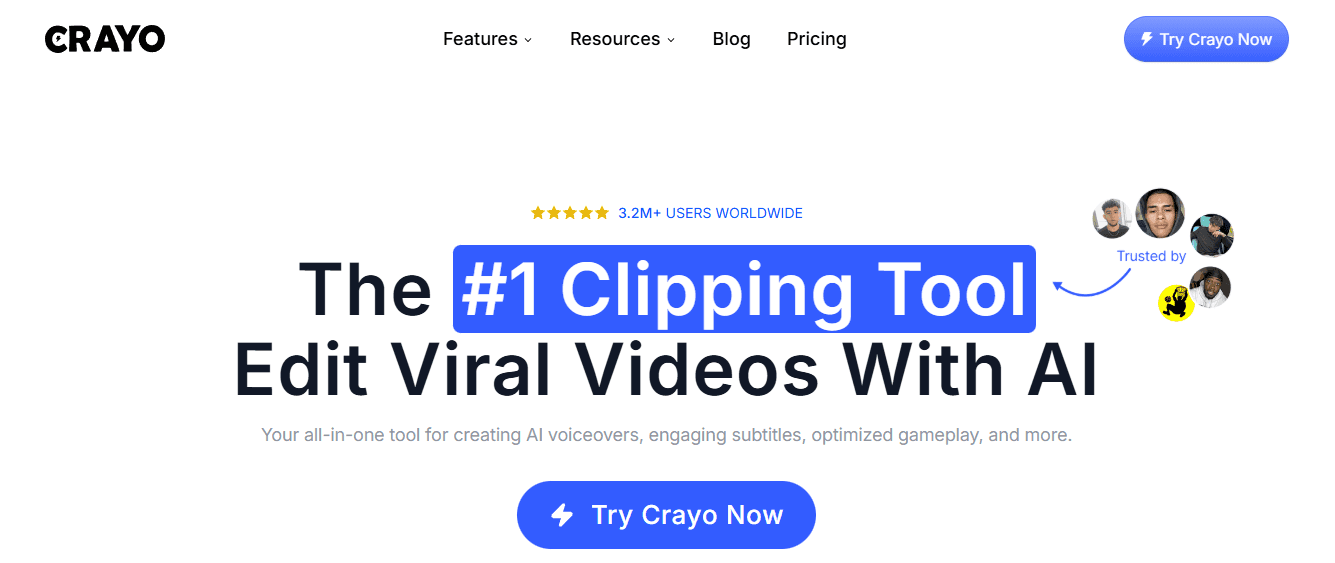
Crayo eliminates the gap between script and finished content. Instead of generating a voiceover, exporting it, syncing it manually with visuals, and then adding subtitles in another tool. Crayo's clip creator tool handles voiceovers, subtitles, and editing in one workflow. You're not switching between apps or troubleshooting timing mismatches. For creators posting daily across TikTok, YouTube Shorts, Instagram Reels, and Facebook Reels, that compression matters. What used to take two hours across three tools now takes 10 minutes in one. The difference isn't just efficiency. It's the ability to batch seven videos in a single session without losing momentum.
2. ElevenLabs
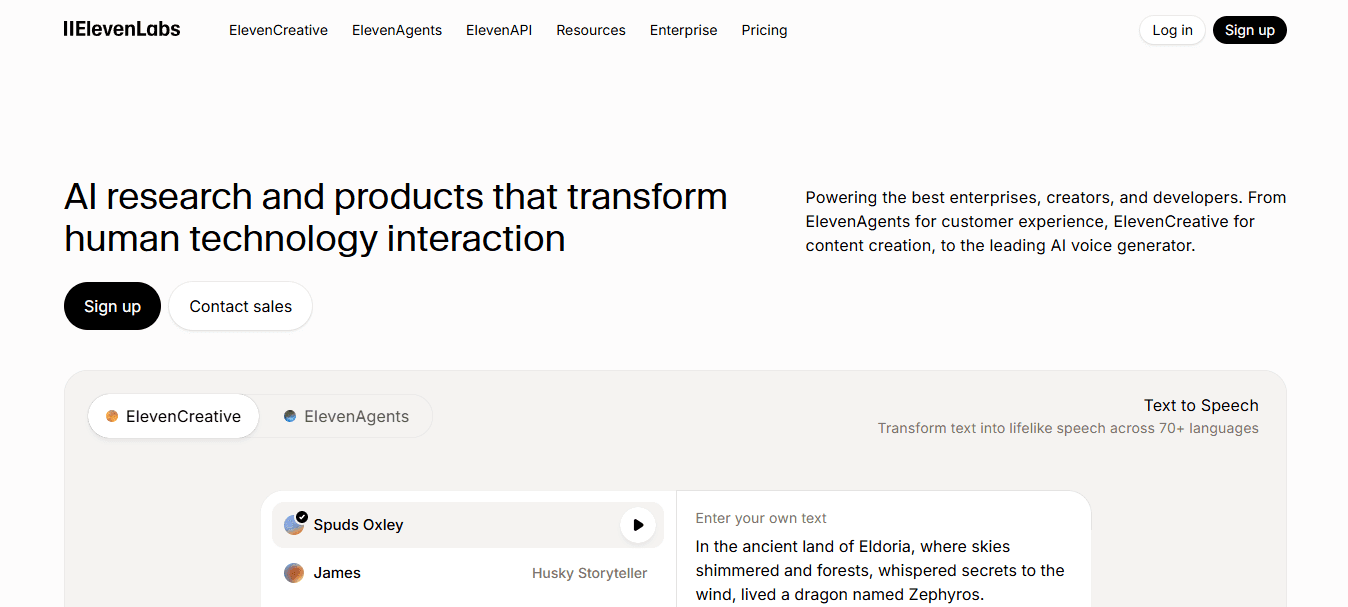
ElevenLabs delivers voiceovers that sound human, not corporate. The voices carry emotional range, subtle inflection, and natural pauses. Creators use it when realism matters more than speed, particularly for storytelling content, long-form YouTube narration, or any content that requires expressive delivery. The tradeoff is time. You'll spend more effort adjusting tone and pacing to match your script's emotional beats. If your content lives or dies on voice performance, that investment makes sense. If you're batching 28 videos a week, it doesn't.
3. Murf AI

Murf works best for structured, explanatory content. Ads, training videos, product demos, anything requiring precise control over speed, emphasis, and pronunciation. According to Murf.ai, the platform offers 200+ voices, giving creators flexibility across different tones and accents without leaving the tool. You're not guessing which voice fits. You're selecting from a library designed for variety. The downside is that variety requires testing. More options mean more time spent comparing voices before you find the right match.
4. Play.ht
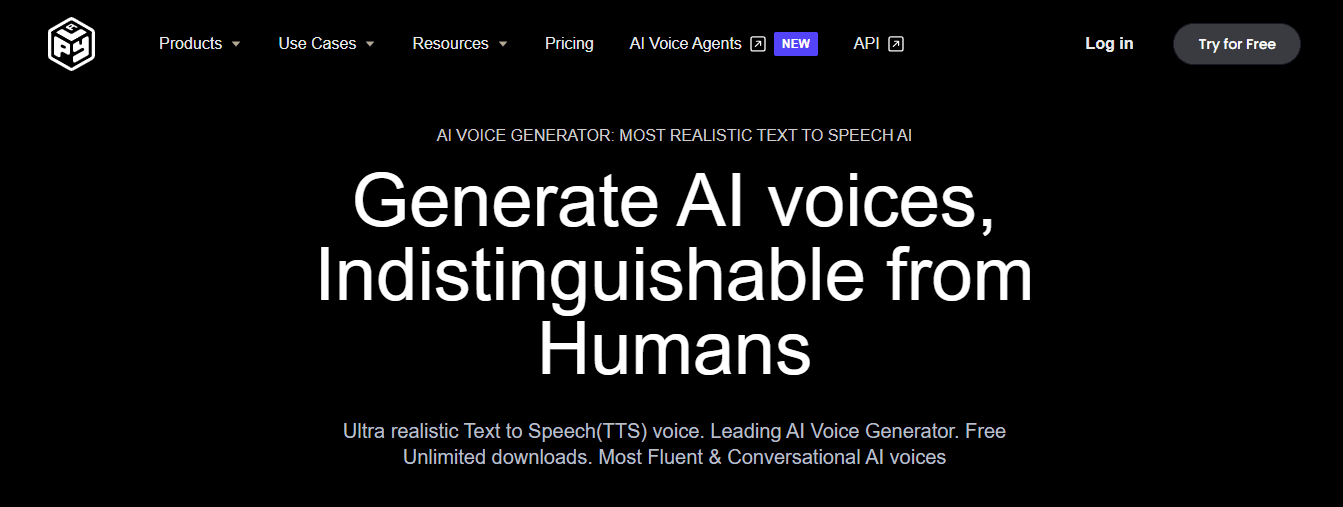
Play.ht provides broad language support and quick exports. Creators use it when they need multiple voice options across different content types or when producing videos in languages beyond English. The platform's strength is flexibility. You can generate voiceovers for tutorial content, then switch to a different voice for promotional clips without changing tools. That range matters when your content strategy spans formats and audiences. The weakness is that flexibility doesn't always mean simplicity. More choices create more decisions, and decisions slow production.
5. Descript
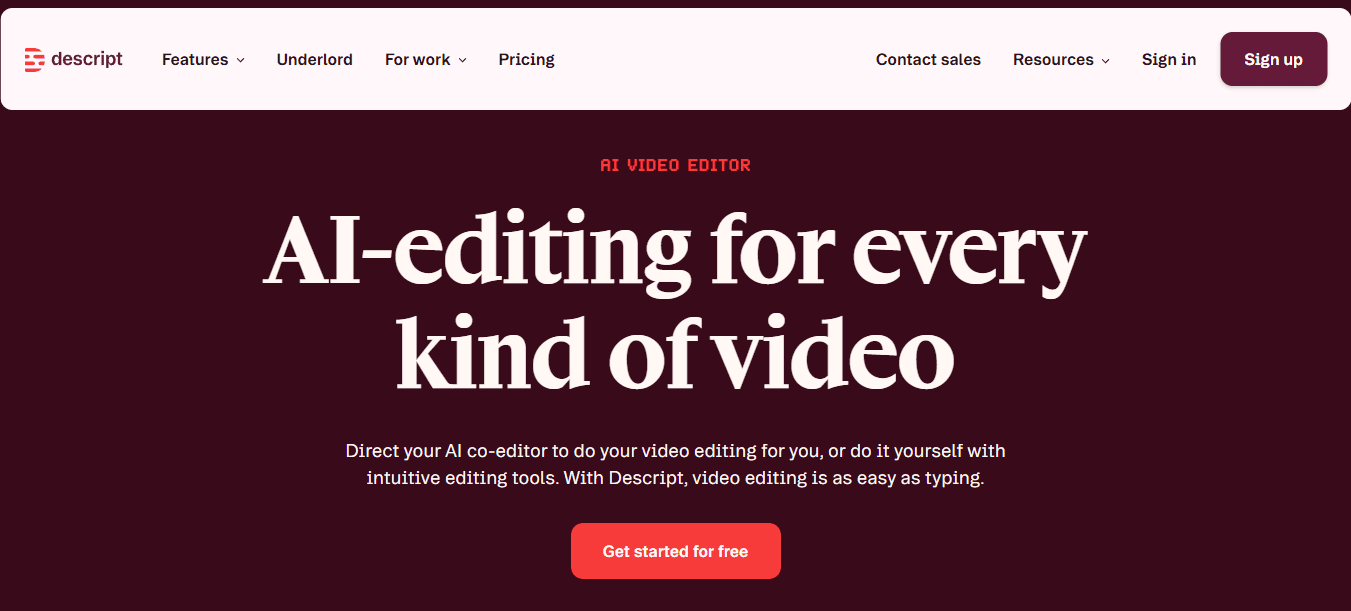
Descript lets you edit voiceovers like text. Change a line in your script, and only that section regenerates. You're not re-recording the entire file because of one pronunciation error or pacing adjustment. Creators use it for podcasts, narration-heavy videos, and workflows that require frequent corrections. The tool saves time when editing is inevitable. But if your goal is to generate clean audio once and move on, Descript's editing-first approach adds complexity you don't need. The question is whether you're fixing mistakes or avoiding them.
6. LOVO AI
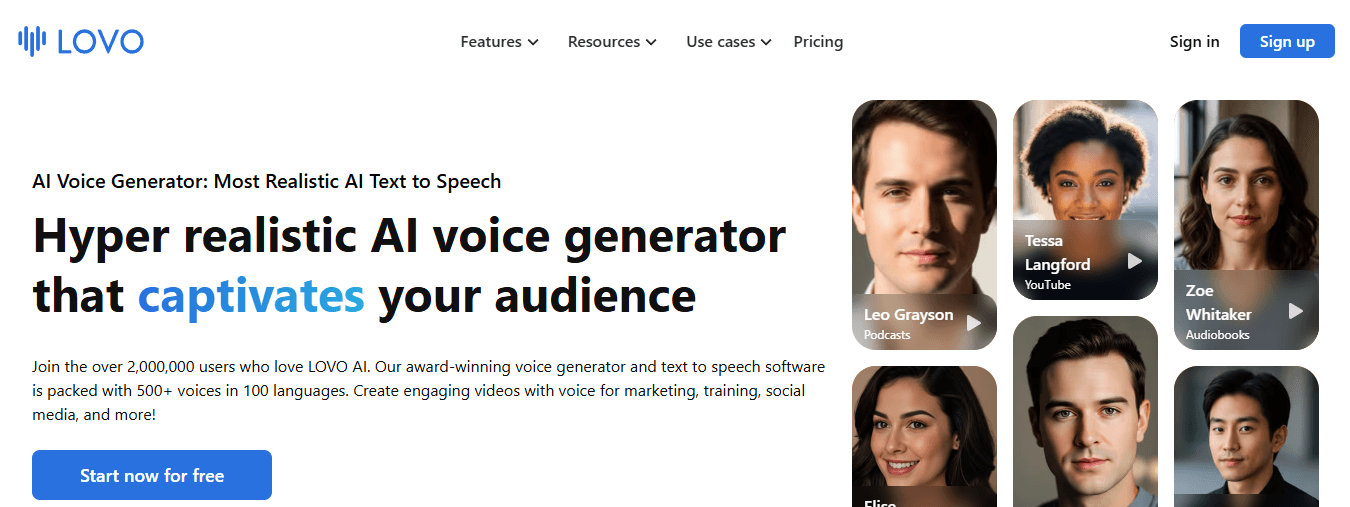
LOVO gives creators access to voices with different energy levels. Marketing voiceovers, social content, anything requiring tonal variation across videos. The platform works well when you're producing content that shifts between serious, playful, urgent, or calm. That tonal range helps maintain variety without sounding repetitive. The challenge is consistency. When you're batching content, switching voices and energy levels across videos requires intentional planning. Without it, your content library starts to feel disjointed.
7. Listnr AI
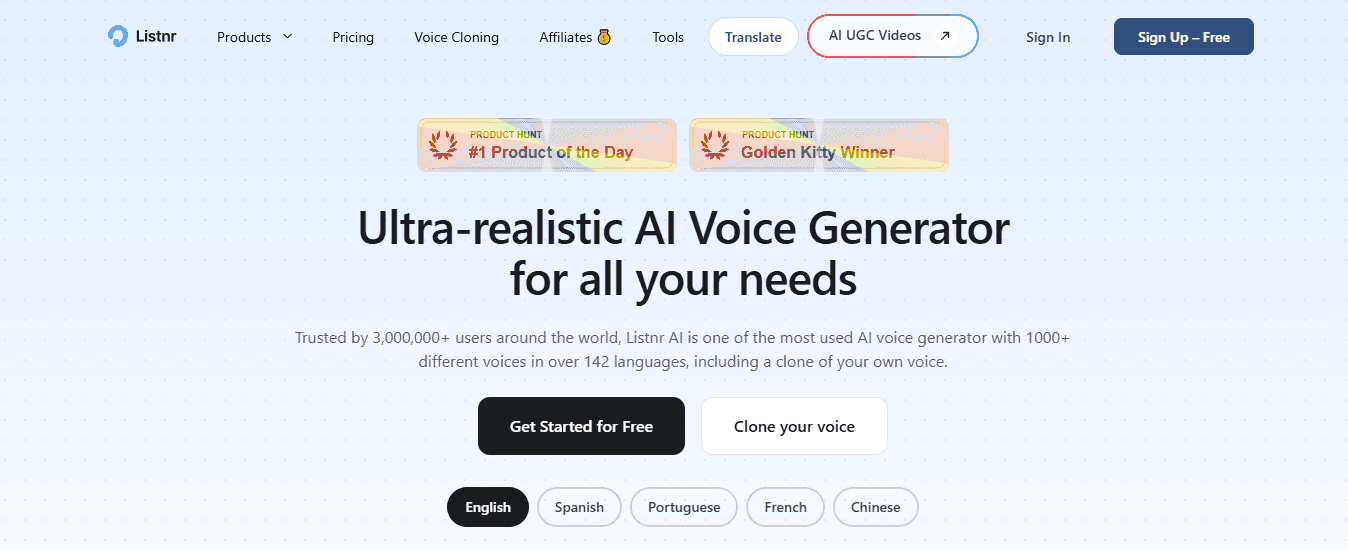
Listnr handles straightforward text-to-speech needs with minimal friction. Quick exports, simple workflows, support for multiple languages. Creators use it when narration doesn't require heavy customization or emotional nuance. It's functional, fast, and reliable for content that prioritizes clarity over performance. The limitation is that simplicity comes at the cost of fewer options. If your content demands expressive delivery or precise timing adjustments, Listnr's streamlined approach becomes restrictive. But if you're producing volume and need voiceovers that just work, restrictive might be exactly what you need. The real question isn't which tool sounds best, but which one fits the way you actually create content.
The 10-Minute Workflow to Create a Pro Voiceover
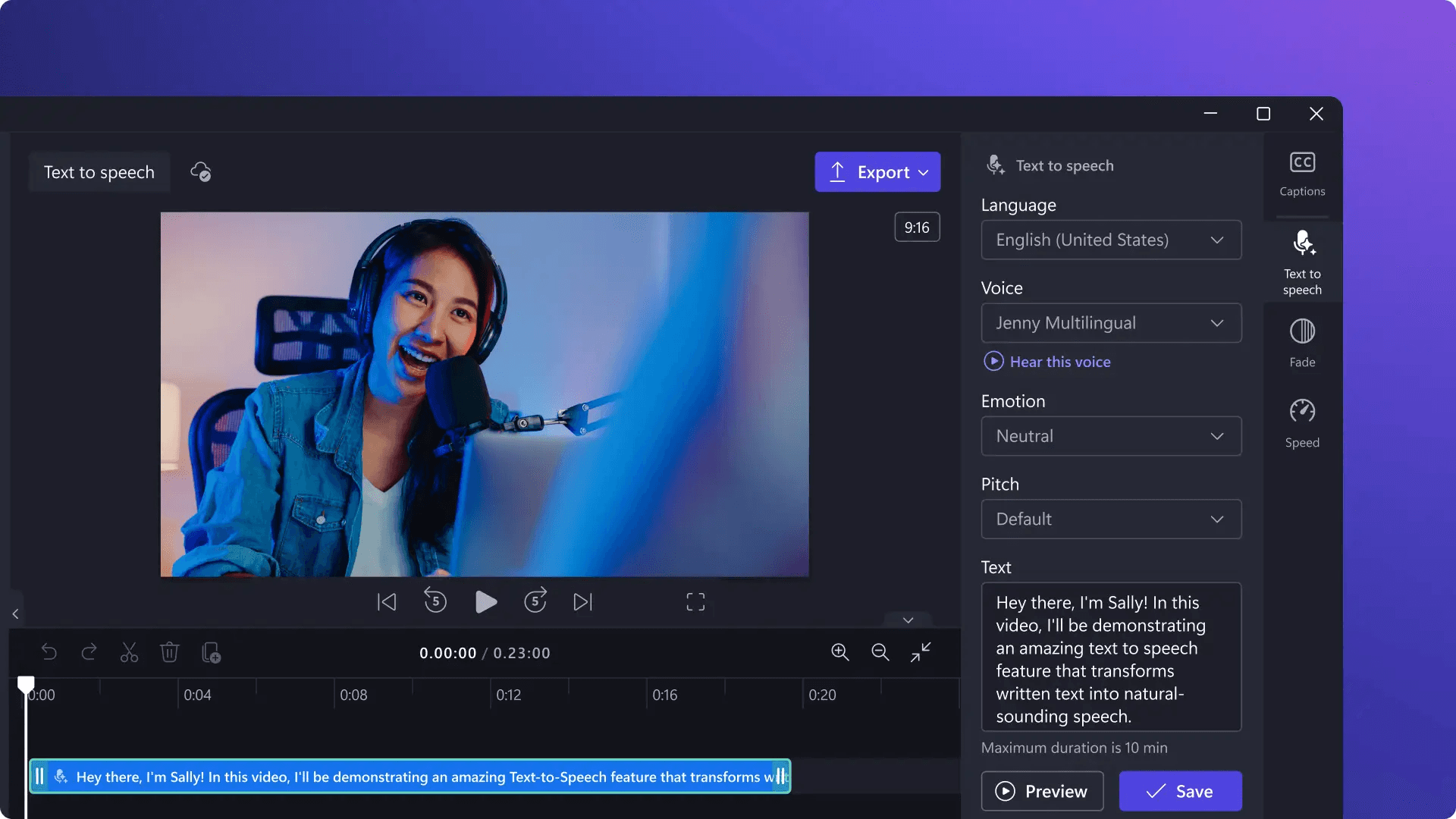
This workflow works because it prevents the two biggest time-wasters: rewriting after you generate audio and regenerating ad hoc without structure. If you follow the steps below, you can create a video-ready voiceover in about 10 minutes, even if you are using different tools.
Write a Voice-Friendly Script
Write for speaking, not reading. One idea per line. Short sentences. Simple words. Add natural pauses.
Quick script layout: Hook, Point 1, Point 2, Close.
This step reduces robotic pacing and improves the quality of the first voice generation. Most creators write scripts like blog paragraphs because that's how they learned to write. But spoken narration needs conversational phrasing. When you paste a blog-style script into an AI voice generator, it sounds rushed or robotic. You notice it immediately when you hear the first playback.
Generate the First Draft Voiceover
Paste the script into your AI voice tool. Pick voice style, speed, and tone. Generate your first audio. The goal is a clean base voice track, not perfection. According to the English Single Word Frequency List from Naval Postgraduate School, analyzed across 11,958,297 files, the word "settings" appears 8,600,432 times, reflecting how often creators adjust configurations. But chasing perfect settings on the first try wastes time. You're looking for a foundation, not a finished product.
Fix Pacing in the Script, Not in Audio Editing
If the audio feels rushed or flat, edit the text. Add commas for pauses. Break long lines into shorter lines. Replace awkward phrases. Emphasize key words. Then regenerate once. This is faster than manually editing sound waves. Manual audio editing pulls you out of creation mode and into technical troubleshooting. When you fix pacing by adjusting the script, you're still working with words, which keeps you in the creative flow. For creators batching content across platforms, tools like Crayo handle voiceovers, subtitles, and editing in one workflow, eliminating the need to manually adjust timing across separate tools.
Quick Quality Check
Listen once and check only:
- Pronunciation of key terms
- Natural pauses
- Tone match
Fix one or two issues only. Avoid endless regeneration loops. The temptation is to keep tweaking until every inflection sounds perfect. But perfection is the enemy of publishing. When you're producing 28 videos a week across TikTok, YouTube Shorts, Instagram Reels, and Facebook Reels, done beats perfect. A five-minute delay per voiceover doesn't sound significant. But when you're producing content at scale, those minutes multiply into hours of lost production time.
Export and Use in Your Video
Export the audio file. Drop it into CapCut, Premiere, Final Cut, or Canva. Then align visuals to the voiceover. Quick checklist before export:
- Script uses short lines
- Pauses sound natural
- Key terms are pronounced correctly
- Voice matches video tone
- No more than 2 regenerations
This constraint matters. Without it, you'll keep regenerating, testing, comparing. The checklist forces closure. It turns voiceover creation from an open-ended creative task into a structured production step. But knowing the workflow isn't the same as having a tool that actually makes it fast.
Create Your Pro Voiceover in 10 Minutes With Crayo
If WellSaid Labs feels too corporate for your content style, the fastest fix is to run the 10-minute voiceover workflow inside Crayo and export a voice track that fits Shorts, TikTok, Reels, and ads. Open Crayo and start a new voiceover. Paste a 100 to 150-word script using short lines, one idea per line. Choose a voice that matches your content tone. Click Generate, then add commas or line breaks to improve pacing. Regenerate once, then export the audio to your editor.
Accelerating Post-Production Workflows
In one short session, you go from script to a clean, pro voiceover without long rewrite loops. The difference is that Crayo's clip creator tool handles voiceovers, subtitles, and editing in a single workflow, rather than forcing you to juggle separate tools and manual syncing. For creators posting multiple times daily across platforms, that compression matters. What used to require three tools and constant timeline adjustments now happens in a single 10-minute session. You're not troubleshooting pronunciation or fixing timing mismatches. You're finishing videos and moving to the next one. Open Crayo now and generate your first voice track using the 10-minute checklist above.
Related Reading
- AI Voiceover Generation Tools
- Uberduck AI Alternative
- Murf AI Vs Elevenlabs
- Murf AI Alternatives
- Speechify Alternative
- Wellsaid Labs Alternative
- Resemble AI Alternative
- Lovo.ai Alternative Free
- Elevenlabs Alternative