
You stare at a blank calendar, juggling trends, hashtags, and a shrinking attention span. Finding Content Ideas For Social Media that actually land with your audience now means using innovative tools for content generation, caption creation, hashtag suggestions, and AI-powered editing.
This guide cuts through the options to find the best AI for social media content creation so you can build a content calendar, craft post ideas that grab attention, and generate viral short videos with AI.Crayo's Clip Creator Tool helps you do that. It turns raw footage into polished short-form videos with simple templates, automatic captions, and hashtag suggestions, plus easy analytics so you spend less time editing and more time posting.
Summary
- AI accelerates mundane drafting and cross-format exports, with tools increasing content creation efficiency by up to 30%, so teams can move from brief to scheduled posts faster and run more experiments.
- Platform-specific optimization matters, with AI-driven recommendations able to boost engagement rates by about 20%, meaning minor tweaks in hooks, thumbnails, or timing often compound into substantially higher reach.
- AI reduces marginal content costs and enables scale, with AI-driven strategies cited to cut costs by roughly 15%, allowing small teams to cover more channels without proportional increases in headcount.
- Adoption is now mainstream, with 75% of marketers already using AI tools, making operational disciplines like brand guides, prompt versioning, and human review the key differentiators for consistent quality.
- Manual repetition and multi-format resizing are the single most significant sources of delay, and predictive scheduling plus automation have freed teams roughly three to six hours per week that were previously spent on community management and posting tasks.
- This is where Crayo's Clip Creator Tool fits in; it addresses the multi-format export and editing bottleneck by automating batch short-video formatting, captioning, hashtag suggestions, and streamlined review routing.
Table Of Contents
- Benefits of Using AI for Social Media Content Creation
- Use Cases of AI Social Media Content Creation
- How to Use AI For Social Media Content Creation
- 20+ Best AI For Social Media Content Creation
- Create Viral Shorts In Seconds With Crayo
Benefits of Using AI for Social Media Content Creation

AI accelerates output, raises baseline quality, and keeps voice consistent across channels so teams can publish more often without fragmenting brand identity. That combination frees people to focus on strategy, creative judgment, and the moments where a human touch really matters.
How does AI actually speed content creation without wrecking quality?
1. Faster content creation and publish-ready posts
When you feed a short brief, AI handles the repetitive first passes—outlines, captions, image suggestions, and platform formatting—so drafts move to scheduled posts far faster. After working with small marketing teams over multiple sprints, the pattern was clear: they wanted a tool that turns one creative spark into deliverables across formats without rebuilding the same asset for each channel. That reduces time spent on mundane edits, maintains a consistent tone with automated brand checks, and helps teams iterate on ideas rather than rewrite them. According to SQ Magazine, AI tools can increase content creation efficiency by up to 30%, enabling more experiments and faster learning.
How does AI improve how each post performs?
2. Smarter optimization for platforms and audiences
AI does more than write; it analyzes patterns across platforms and suggests hooks, ideal caption length, thumbnail choices, hashtags, and timing that match the audience you need. This matters because small tweaks compound: the right opening line or image crop can change whether a post is scrolled past or engaged with. Tools that surface platform-specific recommendations reduce blind A/B testing and let teams ship higher-performing variations faster. Using AI for social media content can boost engagement rates by 20%, according to SQ Magazine, which is the difference between a post that whispers and one that starts a conversation.
Can AI help you reach other languages without sounding robotic?
3. Multilingual and localized messaging that respects nuance
Translating a copy is one thing; localizing it is another. AI helps produce native-feeling drafts across many languages and flags cultural variants, idioms, and length constraints so your layout and tone survive translation. This pattern appears consistently when brands expand into new markets: automation handles the bulk of throughput, but native review remains the safety valve for high-stakes messaging or legal copy. When constrained by time or budget, use AI to scale initial translations and allocate human review where nuance or regulatory requirements require it.
Won’t AI steal creative spark from teams?
4. Creativity augmentation, not replacement
Think of AI as a sparring partner that returns five new angles when you only brought one. It seeds ideas, suggests visual treatments, and breaks writer’s block with alternatives you can refocus and sharpen. In practice, teams use generated prompts as raw material: they remix, add context, and push for specificity until the voice matches the brand. That collaborative rhythm is why AI works best when paired with disciplined brand controls that keep each draft on message while expanding the pool of ideas.
How does this all affect budgets and scale?
5. Cost-effective scaling of consistent content
AI reduces the marginal cost of each post by automating repetitive tasks and producing cleaner first drafts that need less editing. For small teams, that means you can cover more channels, test more formats, and enter new locales without hiring a proportional headcount. The real savings come from replacing duplicated work — such as reformatting assets or rewriting captions for each platform — with templated, brand-safe outputs that travel across channels.
Most teams manage content workflows with manual handoffs and version-heavy approval threads because those processes feel familiar and low-risk. As approval steps multiply, context fragments, feedback repeats, and publishing slow, costing visibility and momentum. Platforms like Crayo provide centralized brand controls, platform-specific suggestions, and streamlined routing, letting teams compress review cycles while keeping a strict voice, so more posts go live without quality erosion.
AI is powerful on paper; what it reveals about your process is what actually changes everything about your results.
Use Cases of AI Social Media Content Creation

AI can speed up every part of your social workflow—from idea to publish—and act as a creative copilot, reducing busywork so teams can focus on strategy and audience connection. Below, I map the practical applications you can deploy right now, with concrete ways each one changes daily work and standard failure modes to watch for.
1. Content creation
What does AI actually do for drafting posts and captions? It generates platform-ready copy, headline variants, carousel scripts, and A/B caption options so teams move from concept to scheduled draft in far fewer passes. When we ran a three-month trial with a five-person marketing team, they stopped treating first drafts as rough work, instead using AI outputs as structured starting points, dramatically cutting revision cycles. That shift preserves creative ownership while letting writers test many angles fast, and according to SQ Magazine, AI tools can increase content creation efficiency by up to 30%; that time saved is real runway for experimentation.
2. Image and video generation
How can teams produce on-brand visual assets without a whole design team? AI image and short-video builders create templated visuals, generate consistent thumbnail frames, and auto-suggest edits for color, crop, and aspect ratios across platforms. This speeds iteration, reduces designer bottlenecks, and keeps visual identity consistent even when output scales. Expect quality gaps on complex creative briefs, so reserve human review for hero campaigns while automating repeatable formats like shorts and story templates.
3. Post-scheduling and timing
Why does timing matter more than people think? AI models analyze when your specific audience is active, predict peak engagement windows, and schedule posts for each platform, removing guesswork and preventing wasted impressions. We observed that teams using predictive scheduling freed three to six weekly hours of community management time, letting them respond in real time instead of scrambling to post. The risk to watch is rigid automation that ignores real-time events, so pair scheduled content with an alert system for breaking news or trending threads.
4. Social listening and trend detection
How do you avoid drowning in mentions? AI filters and prioritizes conversations by sentiment, influencer reach, and escalation risk, surfacing the handful of mentions that deserve a reply. Think of it like a skilled receptionist triaging a crowded switchboard, not a blunt instrument that reports every mention. When we implemented listening for a regional service brand, the tool flagged recurring complaints. It reduced manual search time from hours to minutes, letting the team solve product issues before they escalated.
5. Brand awareness and targeting
How does AI deepen reach without losing voice? Models identify micro-audiences, suggest messaging tweaks for each segment, and automate persona-based creative variations so you get new pockets of users while keeping voice controls in place. The tradeoff is minor: hyper-targeted messaging improves relevance but requires guardrails to prevent message fragmentation, which is why strict brand constraints and review steps should remain part of the workflow.
6. Social media management and workflow orchestration
What breaks when headcount stays flat and channels multiply? Manual handoffs, scattered feedback, and version chaos make publishing slow and error-prone. Most teams coordinate approvals through email and chat because it is familiar, but as stakeholders multiply, context fragments, and decisions stall. Platforms like Clip Creator Tool centralize drafts, threaded feedback, and automated routing, compressing review cycles from days to hours while preserving an audit trail and brand checks.
7. Paid social optimization
Can AI help stretch ad budgets? Yes, by running dynamic creative testing, predicting high-value audiences, and reallocating spend toward top-performing placements in real time. That reduces wasted impressions and delivers faster learning loops than manual A/B tests. Be mindful: optimization needs clean conversion signals and consistent tracking to avoid optimizing noise rather than signal.
8. Customer service with chatbots on social
When do chatbots actually help rather than frustrate? They win when they handle common queries, book appointments, and pass complex issues to humans with context attached. A community program we supported replaced phone booking for recurring requests and increased lead capture by simplifying the conversion path. The key failure mode is over-automation, where users want a human but get looped through scripted replies; design escalation paths and intent handoffs to preserve experience.
9. Influencer discovery and partnership scoring
How does AI change influencer outreach? Algorithms surface creators whose audiences match your demographics and engagement health, flag suspicious patterns, and forecast campaign reach based on historical performance. This saves hours of manual vetting and reduces fraud risk, but it does not replace qualitative judgment about fit and tone, so always confirm alignment through sample content reviews.
10. Analytics, attribution, and reporting
What makes reporting actionable rather than overwhelming? AI synthesizes metrics into concise narrative insights, highlights anomalies, and attributes lifts across organic and paid channels so teams know what to double down on. Tools can automate weekly reports and suggest the following actions, freeing analysts from rote data compilation and allowing them to focus on strategy rather than data wrangling.
When the old way still feels comfortable, that is where the cost adds up. Most teams manage content through email, spreadsheets, and ad hoc drives because these methods require no new tools and feel low-risk. As campaigns scale, feedback splinters across threads, version control collapses, and accountability blurs, turning simple edits into hours of reconciliation. Solutions like the Clip Creator Tool provide centralized assets, role-based approvals, and automated status updates, reducing coordination overhead and maintaining brand voice as volume grows.
A practical note on trade-offs and emotion: creating fresh, engaging content every day exhausts small teams; it is a common pain point we see when auditing workflows over the course of weeks. That pressure produces two reactions: either frantic copying of past posts or paralysis. AI removes mundane repetition and restores time to the parts of the job that require human judgment, empathy, and cultural sensitivity, but only if teams retain final editorial control and treat AI output as starting material.
According to SQ Magazine, AI-driven content strategies can reduce costs by 15%. Adopting these capabilities changes headcount math and budget allocation, allowing teams to reallocate time from manual tasks to creative strategy and community building.
Crayo AI is the fastest way to create short videos and scale social output without sacrificing brand control. Try Crayo’s free clip creator tool today — just click the ‘Try Now’ button on our homepage to get started, no account required, and go from prompt to viral shorts videos in minutes with Crayo.
That solution sounds tidy, but the real test is what happens when you try to stitch AI into messy, real workflows.
Related Reading
- How Much Do Social Media Content Creators Make
- What Is A Social Media Content Calendar
- How Much To Charge For Social Media Content Creation
- Engaging Social Media Content
- What Makes A Good Social Media Post
- Types Of Content For Social Media
- How Often To Post On Social Media
- When Is The Best Time To Post On Facebook
- Curated Content Social Media
- Social Media Post Ideas For Small Business
How to Use AI For Social Media Content Creation

Use AI as a tactical copilot: give clear instructions, guard the brand voice, and add human review at defined checkpoints so generated ideas and assets are ready to test or publish. Treat the machine as a multiplier for disciplined workflows, not a black box that replaces judgment.
1. AI for idea generation
This is where I start when creativity stalls. Ask the model for 30 micro-ideas tied to a single theme, then filter by audience persona and channel. A practical prompt looks like: "List 30 short post concepts for X persona, include one hook line, one visual idea, and an ideal length for Instagram caption." Use constraints in every prompt, such as target emotion, core message, and forbidden words, so results are usable immediately.
2. Repurposing long-form into platform-ready snippets
Take a single long asset and turn it into a package: headline options, three caption lengths, a 15-second script, and five image crop suggestions. Supply the AI with the original copy and the desired formats, and tell it to prioritize story beats over literal compression. The goal is to produce drafts that need light edits, not rewrite cycles.
3. Brand voice encapsulation for consistent output
Create a two-paragraph brand voice guide with concrete do-and-don'ts, three example lines that are on-brand, and one off-brand example to avoid. Include this guide in every prompt so the model matches tone, cadence, and punctuation habits. Over time, update the guide with real post examples so the AI adapts to small shifts in voice without drifting.
4. Image and visual direction with precision
When you ask for visuals, describe the outfit, color palette, camera angle, lighting, and mood as if briefing a photographer. Add a single reference image or hex codes for brand colors to lock aesthetic consistency. This reduces trial-and-error and keeps brand elements, such as fonts and colors, consistent across AI-generated images.
5. Running creative experiments and A/B variants
Request 4 to 6 caption variants per post: bold, concise, playful, professional, and question-led. Pair each caption with one headline and one thumbnail suggestion, then run these as quick experiments. Treat each variant as a hypothesis to validate, not a final claim about audience preference.
6. Keep the human edit and authenticity layer
AI outputs often read like neutral summaries. Use a short humanization checklist: inject a specific anecdote, remove corporate phrases, add an unexpected detail, and verify that calls-to-action feel conversational. This step prevents blandness and preserves the human connection your audience remembers.
7. Scheduling and posting with guardrails
Automate timing suggestions, but require one manual review before publishing for time-sensitive or cultural posts. If you rely on bulk scheduling, build an exception flag for trending news so automated drafts do not post at inappropriate moments. This balances efficiency with situational awareness.
8. Rapid fact-check and source discipline
Make fact-checking a required subtask in every content workflow. Ask the AI to list source links and confidence levels, then require a single-source verification by a human editor for any claim that affects purchase, safety, or legal terms. That prevents embarrassing errors from going live.
9. Prioritize value over endless volume
Set a cadence target tied to engagement goals, not a daily autopost quota. Use AI to create fewer, stronger concepts by asking for "three high-value posts that could each drive conversation or leads this week," rather than 20 low-impact posts. Quality-first testing yields clearer learning signals.
10. Continuous learning and prompt tuning
Treat prompts like experiments: log what you asked, which outputs you kept, and the engagement results. After two weeks, refine prompts using the top-performing language patterns. This systemized feedback loop turns intuition into repeatable prompts and raises the floor for future drafts.
A pattern we see repeatedly is simple: teams want fast, high-quality visuals, multi-platform export, and easy control over brand elements because those features reduce rework and keep campaigns coherent across channels. That need explains why prompt specificity and asset templates matter so much when you scale.
Most teams coordinate approvals through email and ad-hoc chat because it feels familiar, and that works early on, but as stakeholders increase, feedback scatters and decisions stall; as a result, review cycles stretch and drafts multiply. Platforms like Crayo centralize drafts, threaded feedback, and automated routing, compressing reviews from days to hours while enforcing brand checks and export-ready formatting, so teams can keep momentum without sacrificing identity.
Adoption is already mainstream: according to BigProfiles, 75% of marketers use AI tools for content creation, which explains why operational discipline matters more than novelty. And remember that targeted testing pays: Content Marketing Institute reports that AI-generated content can increase engagement rates by up to 50%, which is why you should design experiments to measure creative lifts, not just output counts.
Think of prompt design like lens selection on a camera: a precise prompt sharpens the shot, while a fuzzy brief guarantees you will spend time fixing focus later. Keep the prompt tight, attach the brand guide, and keep a human in the loop.
That approach sounds tidy, but the twist ahead makes it more complicated and far more helpful than it looks.
Related Reading
- Social Media Post Examples
- Fun Social Media Engagement Posts
- Social Media Posts Ideas
- Content Buckets For Social Media
- Social Media Content Audit
- Organic Content Social Media
- Wednesday Social Media Post Ideas
- What Not To Post On Social Media
- Thursday Social Media Post Ideas
- Sunday Social Media Post Ideas
- Social Media Content Guidelines
- 30 Day Social Media Content Calendar
20+ Best AI For Social Media Content Creation
The best AI tools for social media content creation depend on what you need most: short-form video at scale, caption and hashtag generation, visual layout and templates, or a single workspace that ties drafts to scheduling and approvals. Below, I list 21 platforms you should evaluate, each with a short, practical description followed by clear pros and cons.
Which tools should you evaluate?
1. Crayo AI
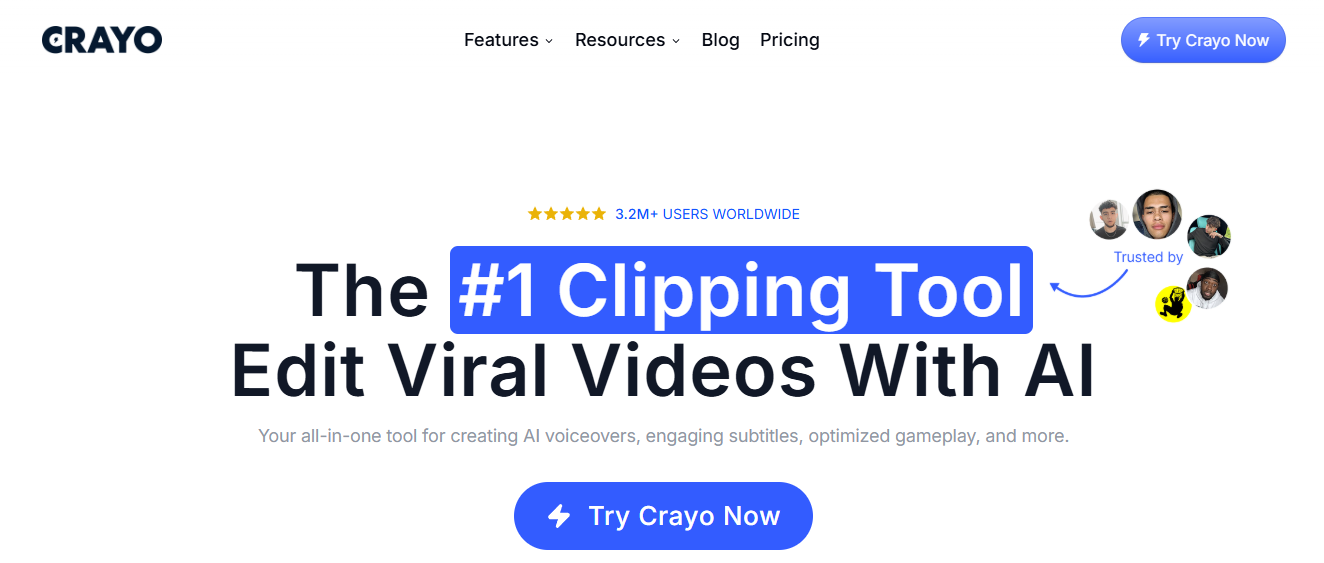
A rapid clip-builder focused on batch short videos, converting a brief prompt into multiple formatted shorts with auto-generated captions, effects, music, and background choices.
2. AIOSEO
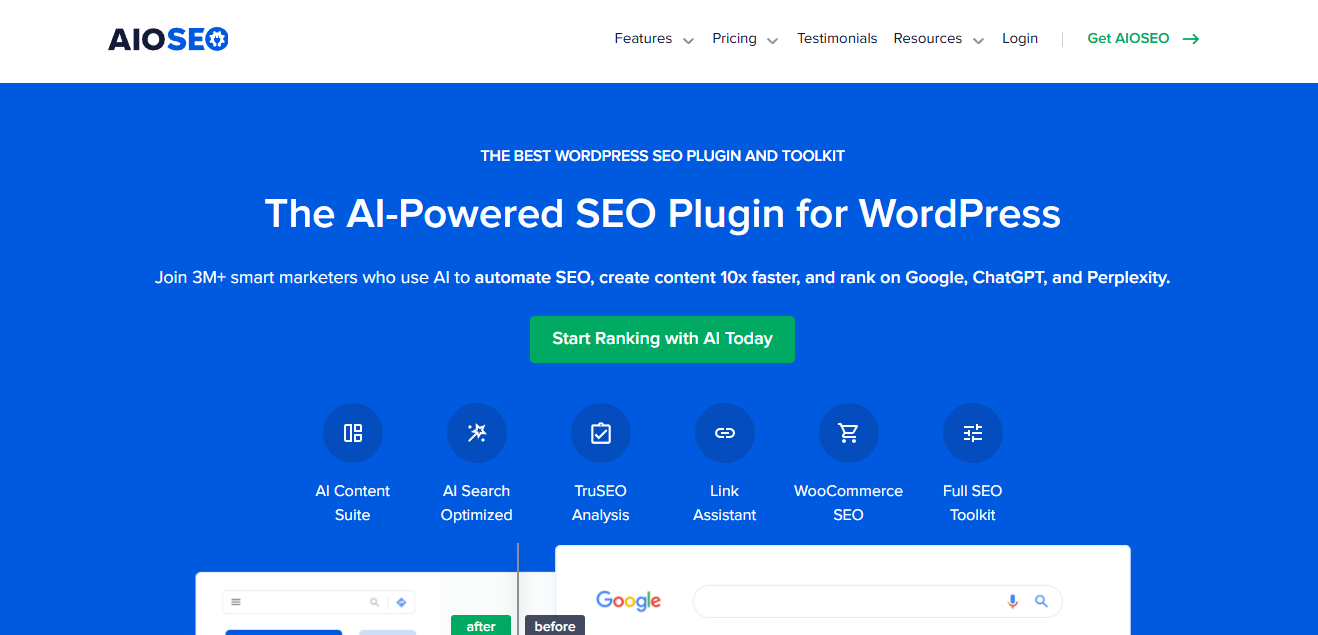
A WordPress plugin that converts blog content into social-ready snippets and optimizes metadata for social previews.
Pros
- Smooth bridge between long-form posts and social captions; preserves SEO benefits while creating shareable microcopy.
Cons
- Useful only inside WordPress; not a standalone creative suite for visuals or video.
3. ChatGPT
A general-purpose conversational writer you can prompt to produce captions, campaign frameworks, tone guides, and hashtag ideas across niches.
Pros
- Very flexible, fast iteration on tone and style, good multi-language support when prompted correctly.
Cons
- No native scheduling or analytics; outputs need human editing for brand voice and factual checks.
4. SocialBee
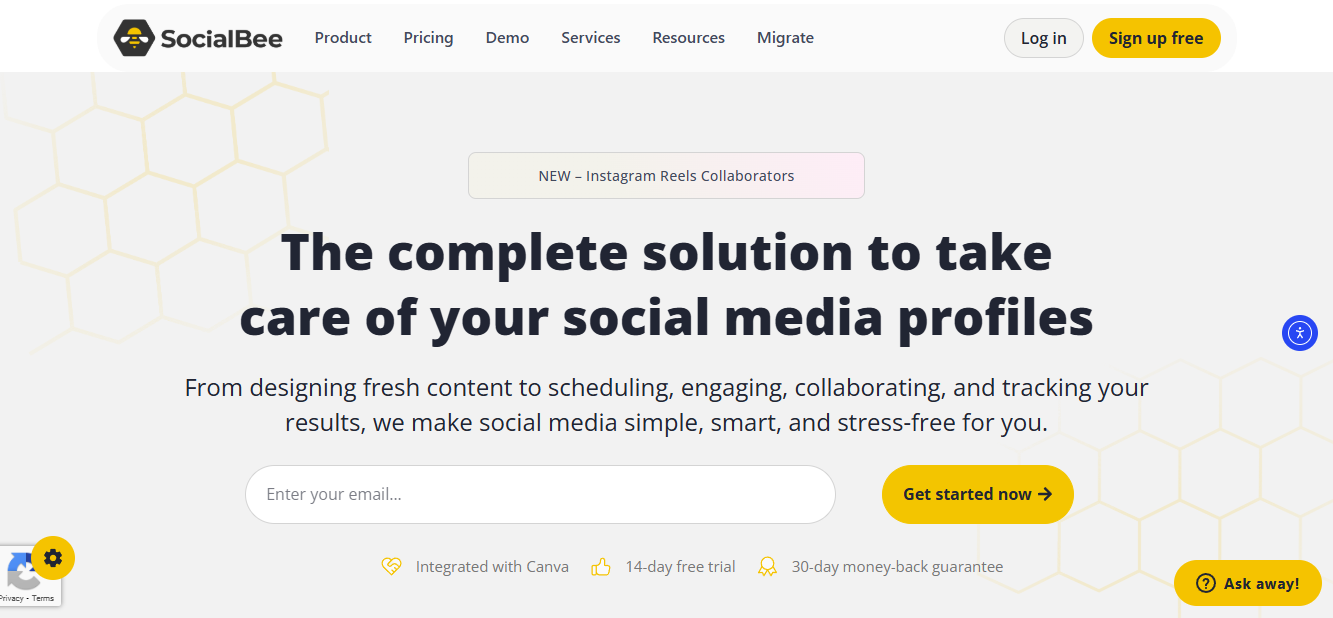
A combined content creator and scheduler, where AI suggests captions and hashtags, and the platform handles publishing sequences.
Pros
- Integrates drafting and scheduling, helpful for steady cadence strategies and straightforward team workflows.
Cons
- Analytics are basic; creative outputs sometimes need heavier customization to avoid sameness.
5. Buffer (AI Assistant)
Buffer’s AI helps adapt posts for each platform while keeping scheduling consistent and straightforward.
Pros
- Familiar UX for Buffer users, quick platform-specific rewrites, good for cross-posting adjustments.
Cons
- Creative generation is lighter than dedicated copy tools; visuals must be prepared elsewhere.
6 Predis.ai
An AI-first social content engine aimed at brands, producing captions, hashtags, and image suggestions, and supporting automated posting.
Pros
- Suited for product and e-commerce brands, handles both copy and visual prompts, and automates publishing.
Cons
- The interface can be dense for beginners, and maintaining voice consistency requires prompt discipline.
7. HubSpot Marketing Hub
Description
An enterprise suite with AI-assisted social post drafting, calendar planning, and deep integration with CRM and campaigns.
Pros
- Best for teams that need cross-channel orchestration and campaign-level planning.
Cons
- Overkill if you only need social copy generation; pricing and complexity scale fast.
8. Hootsuite (OwlyWriter)
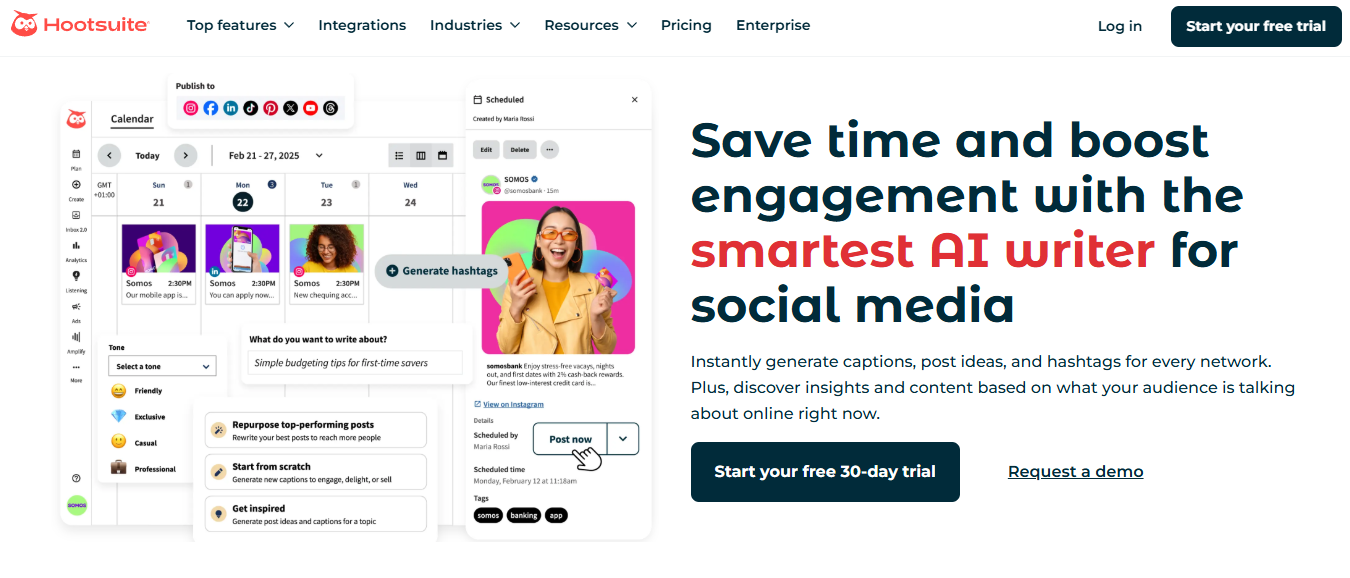
Hootsuite’s AI writer generates caption options and topic ideas tailored to the account history.
Pros
- Reliable scheduling backbone, quick bulk ideation across accounts, suitable for agencies.
Cons
- Not as creative for visuals; original design work still requires other tools.
9. Flick

A specialized tool for hashtag discovery and caption generation, focused on improving discoverability and reach.
Pros
- Excellent hashtag analytics and suggestions, simple caption drafting flows.
Cons
- Limited in-design tools and visuals; best when paired with a design app.
10. SocialPilot
A straightforward post generator aimed at small brands, producing short captions ready for scheduling.
Pros
- Clean interface, low learning curve, economical for solo creators.
Cons
- No sophisticated visual editor or deep analytics.
11. Writesonic
A multilingual copy platform producing marketing copy, social captions, and ad text with brand voice controls.
Pros
- Good language support, brand tone presets, and quick ad variant generation.
Cons
- Output can tilt generic unless you tune prompts; extra editing is often required to feel original.
12. Copy.ai
Template-forward creative copy engine with many social copy patterns, hooks, and headline ideas.
Pros
- Fast ideation, excellent for breaking writer’s block, easy for non-experts.
Cons
- Repetition can appear across multiple outputs; long-form needs more human shaping.
13. Canva (Magic Studio)

Design-first platform with AI tools for creating visuals, captions, and layout variations in one flow.
Pros
- Intuitive visual editing, brand kit support, and many export sizes for social platforms.
Cons
- Writing features are functional but not deep; premium assets are available only in paid tiers.
14. Piktochart AI
An AI tool concentrated on turning text and data into infographics, social posts, and story visuals.
Pros
- Strong for educational or data-driven social content, quick chart and visual generation.
Cons
- Not aimed at microcopy or short ad copy; requires manual polish for brand voice.
15. Magic Write (in Canva)
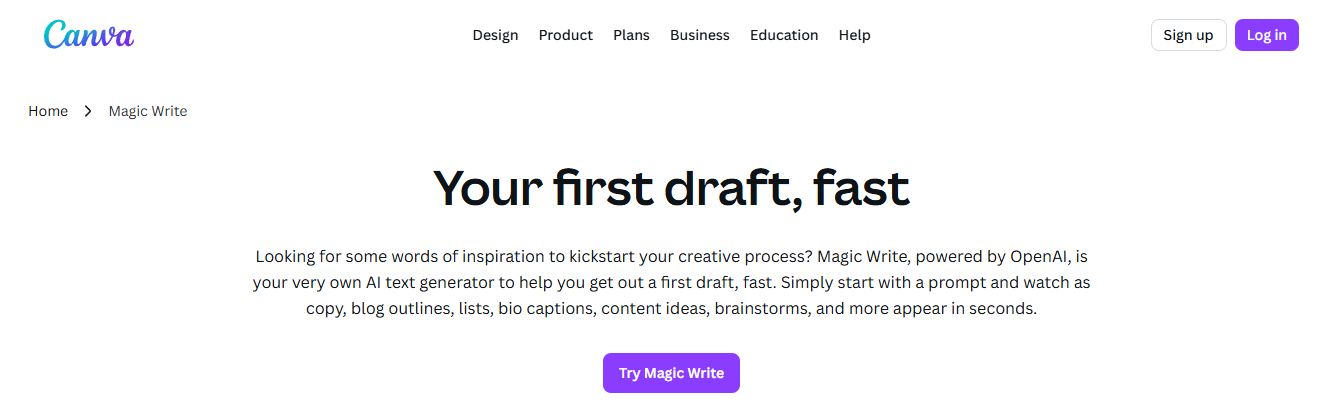
Canva’s internal text assistant that creates captions and headlines while you design.
Pros
- Keeps copy and visual editing on one screen, enabling fast, iterative tweaks.
Cons
- Less potent than standalone copywriters; limited free usage.
16. Piktochart Post Generator
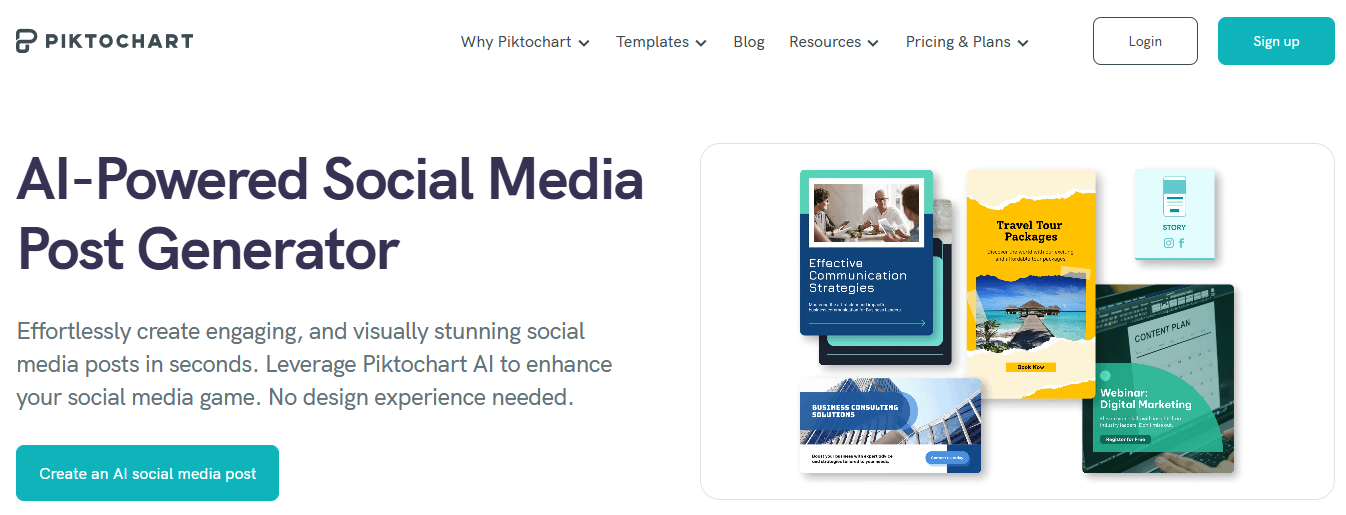
A single-prompt generator that returns a ready-to-share post with image and short text variations.
Pros
- Speedy output for social-ready graphics, minimal editing for simple announcements.
Cons
- Templates can converge on similar layouts; stronger branding needs manual tweaks.
17. Piktochart Infographic Generator
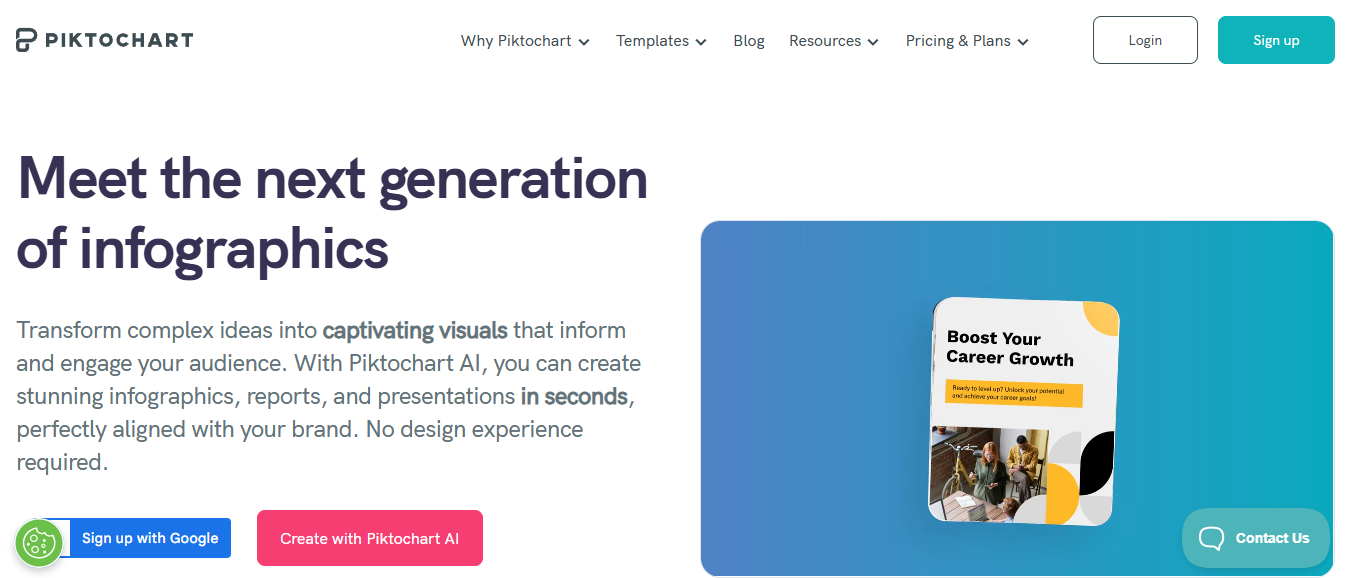
Converts statistics or narrative into shareable infographics tailored to platform aspect ratios.
Pros
- Makes complex ideas shareable, helpful for thought leadership and educational content.
Cons
- Not ideal for routine promotional posts or product catalogs.
18. Magic Design (Canva)
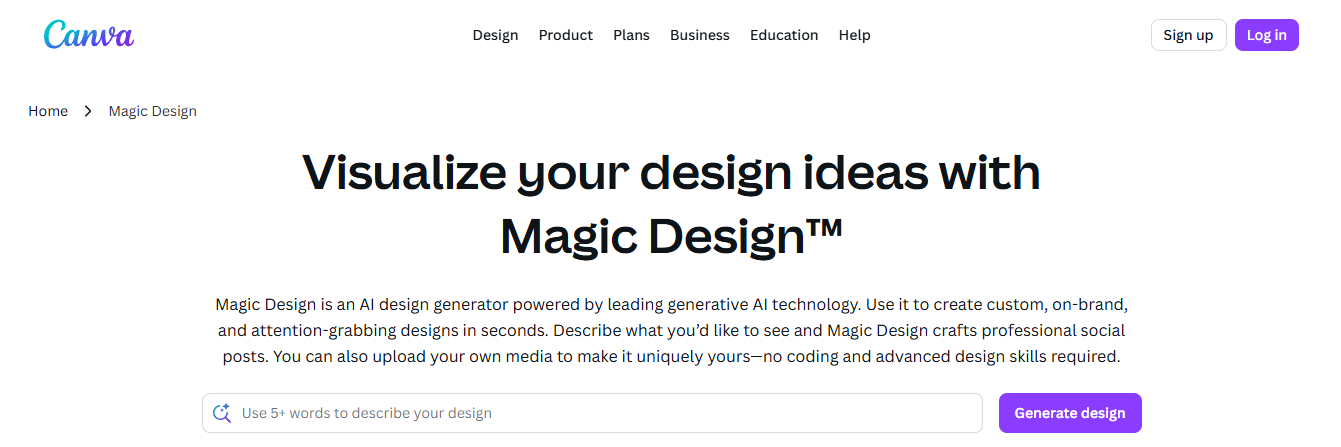
Auto-generates complete layout drafts for posts and stories from a brief description, producing multiple format variations.
Pros
- Fast starting point for multi-platform campaigns, easy to refine brand elements.
Cons
- Results can look templated; you will still need to tune for unique brand voice.
19. Simplified

An all-in-one creative suite that produces both copy and visuals and includes basic scheduling.
Pros
- Good balance of visuals and writing, streamlined team workflows for small teams.
Cons
- Some features feel shallow compared to dedicated design or analytics platforms.
20. Magic Media (Canva)
Generates images and short clips from prompts, supplying assets in social sizes for ads and posts.
Pros
- Quickly populates campaigns with unique visuals and supports multiple aspect ratios.
Cons
- Quality varies with complex briefs; brand consistency checks are necessary.
21. Anyword
A performance-focused copywriting tool that predicts text variations’ likely engagement and conversions.
Pros
- Strong for ad and conversion copy, predictive scoring helps prioritize variants.
Cons
- Requires audience setup to get accurate predictions; visuals are not a focus.
A typical pattern across teams and projects is this: repetitive brand setup and multi-format exports become the bottleneck as volume increases, not idea generation. That friction appears across small ecommerce shops and regional agencies, where repeated manual cropping and reapplication of brand elements eat up hours each week and cause last-minute quality drift.
Most teams handle this with familiar tools and ad-hoc workarounds, which work until scale exposes the cost in time and inconsistent output. Platforms like Crayo act as a bridge by automating aspect-ratio exports, embedding brand templates, and producing captioned short-form assets in batches, letting teams maintain a tight voice while increasing throughput without adding headcount.
When we audited several small social teams over a month, the pattern became clear: manual repetition of brand elements and resizing were the single largest source of delay, and fixing them reduced handoffs and approvals. This emotional friction is real, it drains energy, and it is why teams are open to AI that handles the mundane so people can do the creative work that matters.
Adoption and impact are moving fast, and that changes how you evaluate tools: over 50% of marketers now use AI tools for social media content creation, according to Amra and Elma LLC. If you prioritize audience lift, keep in mind that AI-driven social media tools have increased engagement rates by 30% on average, per Amra And Elma LLC.
Which tool should you pick first? Match the platform to your bottleneck: creative volume and short-video needs point toward Crayo, Magic Media, and Simplified; caption and A/B copy needs point to Anyword, Writesonic, and Copy.ai; design-first workflows align with Canva and Piktochart family tools. Try a small pilot focused on one content type, measure engagement lifts, and keep a human review step for brand-sensitive posts.
That works for now, but the next piece reveals the single capability that changes how fast you can turn an idea into a viral short.
Create Viral Shorts In Seconds With Crayo
If you're weighing the best AI for social media content creation, try Crayo’s free clip creator tool and go from prompt to export in minutes while keeping brand voice intact and review cycles short. Over 1 million videos created using Crayo's Viral Shorts Creator. And Users save up to 70% of their time in video creation with Crayo. Try it now, no account required.
Related Reading
- Content Pillars For Social Media
- How To Repurpose Blog Content For Social Media
- Best Apps To Create Content For Social Media
- Social Media Content Strategies
- Best Social Media Platforms For Content Creators
- What To Post On Each Social Media Platform
- Best Days And Times To Post On Social Media
- Real Estate Social Media Post Ideas
- Real Estate Social Media Content Ideas